DUE TO SPAM, SIGN-UP IS DISABLED. Goto Selfserve wiki signup and request an account.
...
Please, take a look at all configurable parameters at LDAP Connector Configuration and use this page as reference to provide your configuration. 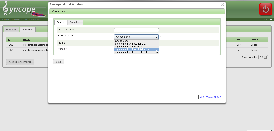
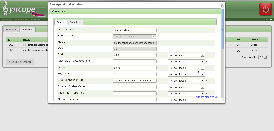
- Open your browser and access to the Syncope administration console (http://host:port/syncope-console
 ).
). - Log into the interface by providing the following credentials:
- Login: admin
- Password: password
- Click on the Resources tab.
- Click on the Connectors sub-tab.
- Click on Create new Connector button (configuration modal page appears).
- Click on tab General.
- Provide Display name (e.g. 'Db Table Demo') and the correct Bundle name (org.connid.bundles.db.${version}).
- Click on tab Configurations and provide connector instance configuration.
User: root
Password: password
Host: localhost
TCP Port: 3306
JDBC Connection URL: jdbc:mysql://localhost:3306/demo
JDBC Driver: com.mysql.jdbc.Driver
Database: demo
Table: test
Key Column: id
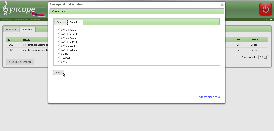
- Click on tab Capabilities.
- Check needed capabilities as shown at Connector instance configuration.
- Click on Save button.
Configure Database Table resource
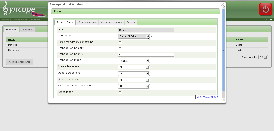
- Click on the Resources tab.
- Click on the Resources sub-tab.
- Click on Create new Resource button (configuration modal page appears).
- Click on Resource Details tab.
- Choose from the list the correct Connector instance name.
- Provide the following information
- Name: DbTable-Demo
- Connector: Demo Db Table
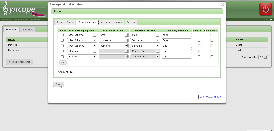
- Click on Schema Mappings tab.
- Click on Add button to insert attributes mapping.
- Click on Save button.
| Panel | ||||||||||||||||||||||||||||||||||||
|---|---|---|---|---|---|---|---|---|---|---|---|---|---|---|---|---|---|---|---|---|---|---|---|---|---|---|---|---|---|---|---|---|---|---|---|---|
| ||||||||||||||||||||||||||||||||||||
|