DUE TO SPAM, SIGN-UP IS DISABLED. Goto Selfserve wiki signup and request an account.
...
- CRITICAL 50% or more
- MAJOR 10-49%
- MINOR less than 10%
If an existing issue is found and the flakiness has changed, adjust the severity accordingly.
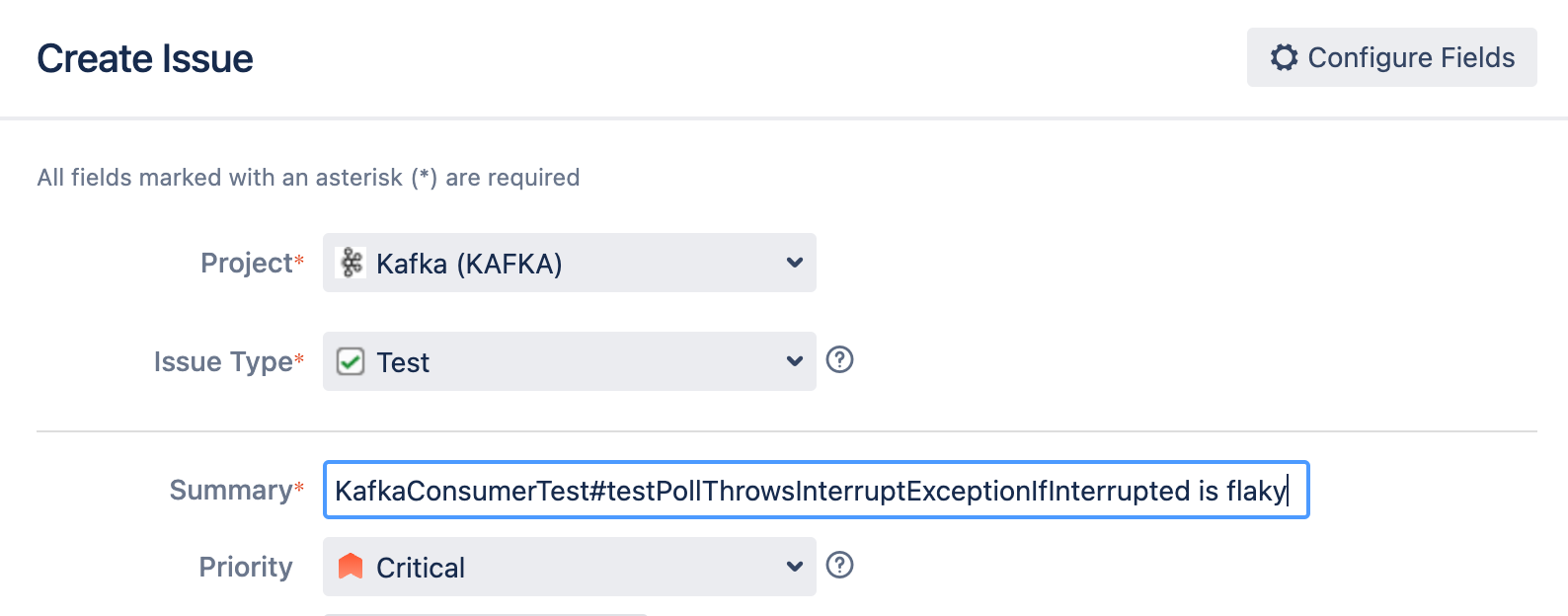
Also include the "flaky-test" label on the issue

Include links to Develocity report in the test ticket. If you plan on working on the fix, assign the ticket to yourself.
If an existing issue is found and the flakiness has changed, adjust the severity accordingly.
Reproducing Flaky Tests
The simplest way to reproduce a flaky test is to run it several times locally. Usually, you will want to to increase the log4j level to INFO or DEBUG. This is done by modifying the corresponding log4j.properties in a modules "test" source directory. E.g., for ":core" tests, you would modify "core/src/test/resources/log4j.properties"
...
./gradlew -PmaxTestRetries=10 :clients:test --tests "*KafkaConsumerTest*"
IntelliJ IDEA
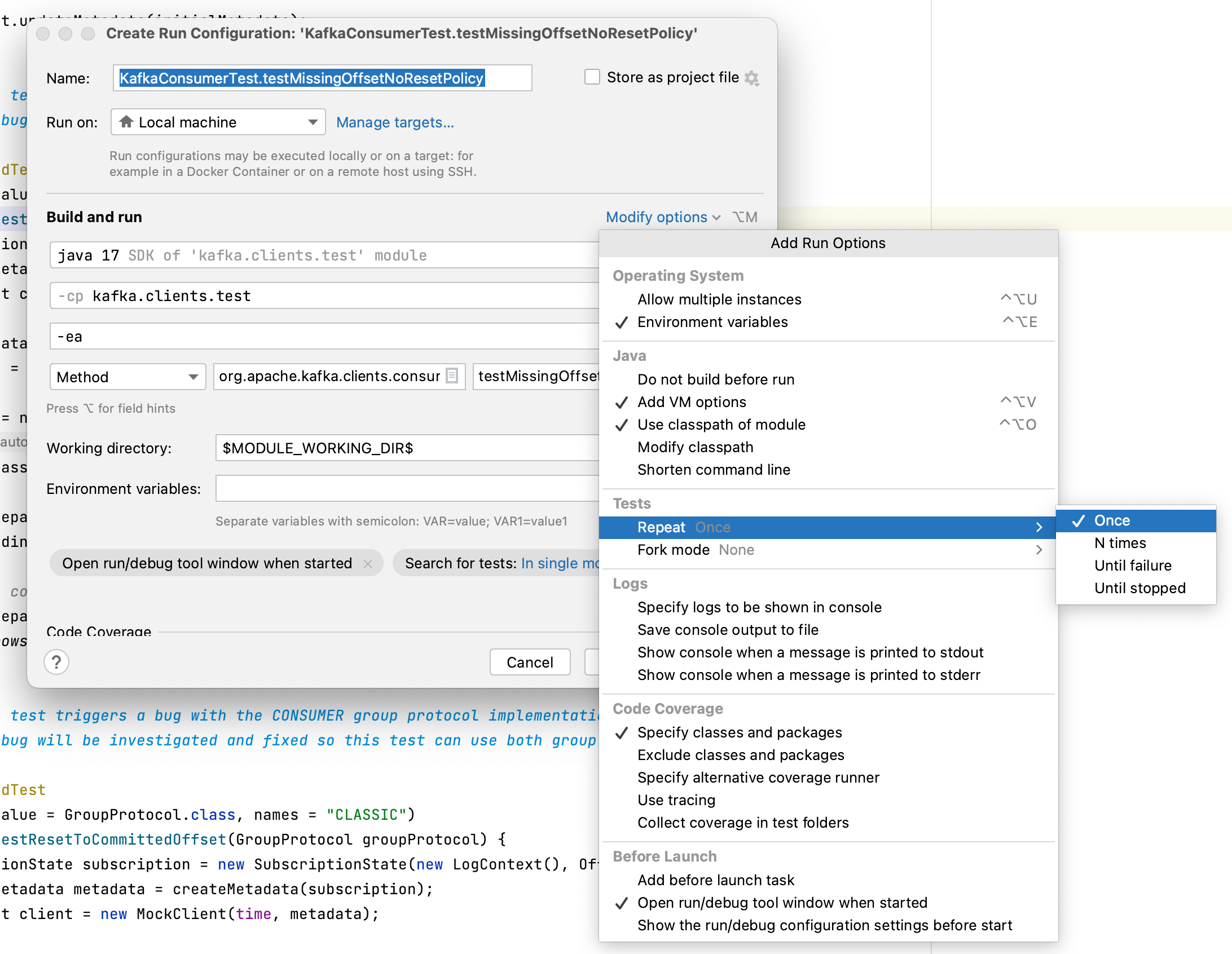
Some times, running the tests repeatedly with Gradle does not produce enough load on the system to expose the flakiness. If you are using IntelliJ IDEA, there is an option to run a single test N times or until failure. To enable this, first modify IntelliJ to run the tests directly rather than calling out to Gradle
...
Then, create a Run Configuration for the flaky test. Under Modify Options, find the Repeat section. On older version of IntelliJ, this dialog may look different, but the option is there somewhere.
GitHub "deflake" Action
There is a special "deflake" action on GitHub that allows us to run a single integration test repeatedly. Currently, it only supports tests written using the ClusterTestExtensions (i.e., @ClusterTest , @ClusterTests , and @ClusterTemplate ). It combines Gradle test selectors "--tests" with a custom property added in KAFKA-17433. See the Gradle docs on test filtering for valid patterns https://docs.gradle.org/current/userguide/java_testing.html#simple_name_pattern.
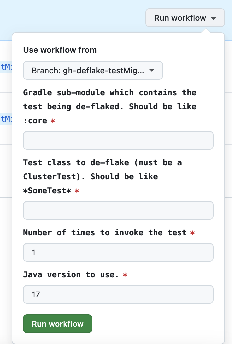
The Action is limited to 60 minutes of execution time, so take care not to run too many tests or use too many repetitions. Committers using this action can push their branch to apache/kafka in order to see a Gradle Build Scan of the job.
Root Cause Analysis
Find the root cause of a flaky test is usually the hardest part. After all, it the problem was obvious, someone would have probably fixed it already  .
.
...