DUE TO SPAM, SIGN-UP IS DISABLED. Goto Selfserve wiki signup and request an account.
Table of Contents |
|---|
Viewing A List of Deposit Accounts |
Creating a New Deposit Account |
Viewing and Editing a Specific Deposit Account |
Viewing A List of Deposit Accounts
| Anchor | ||||
|---|---|---|---|---|
|
1. Once you have logged into the Fineract CN Mobile app, you will be greeted with the dashboard page. Here, click the "View Customer" button
...
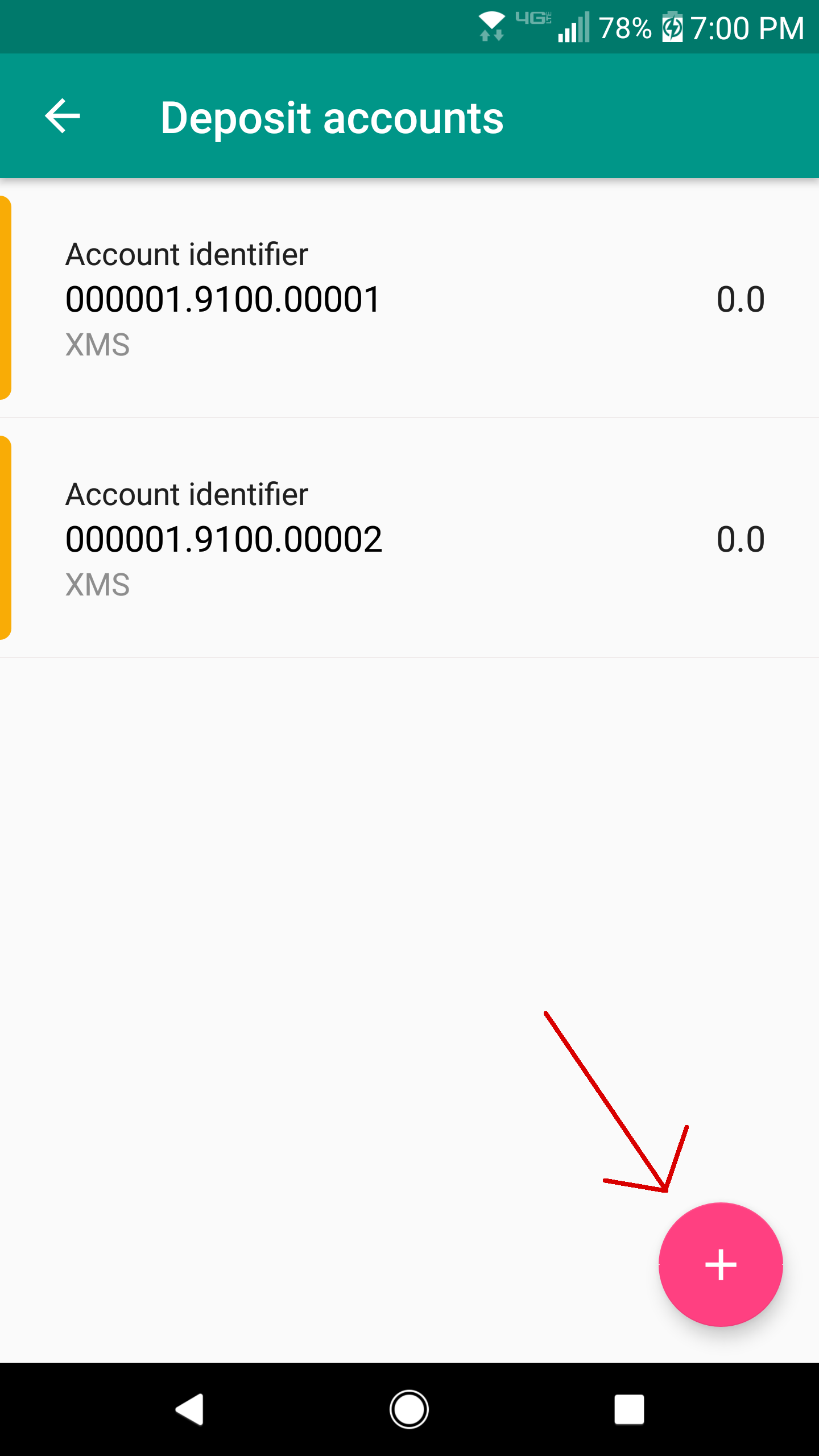
4. You are now viewing a list of the customer's deposit accounts.
Creating a New Deposit Account
| Anchor | ||||
|---|---|---|---|---|
|
- Once you are viewing a list of the customer's deposit accounts, click the button with the plus
 icon at the bottom-right of your screen. This will launch the new deposit account page.
...
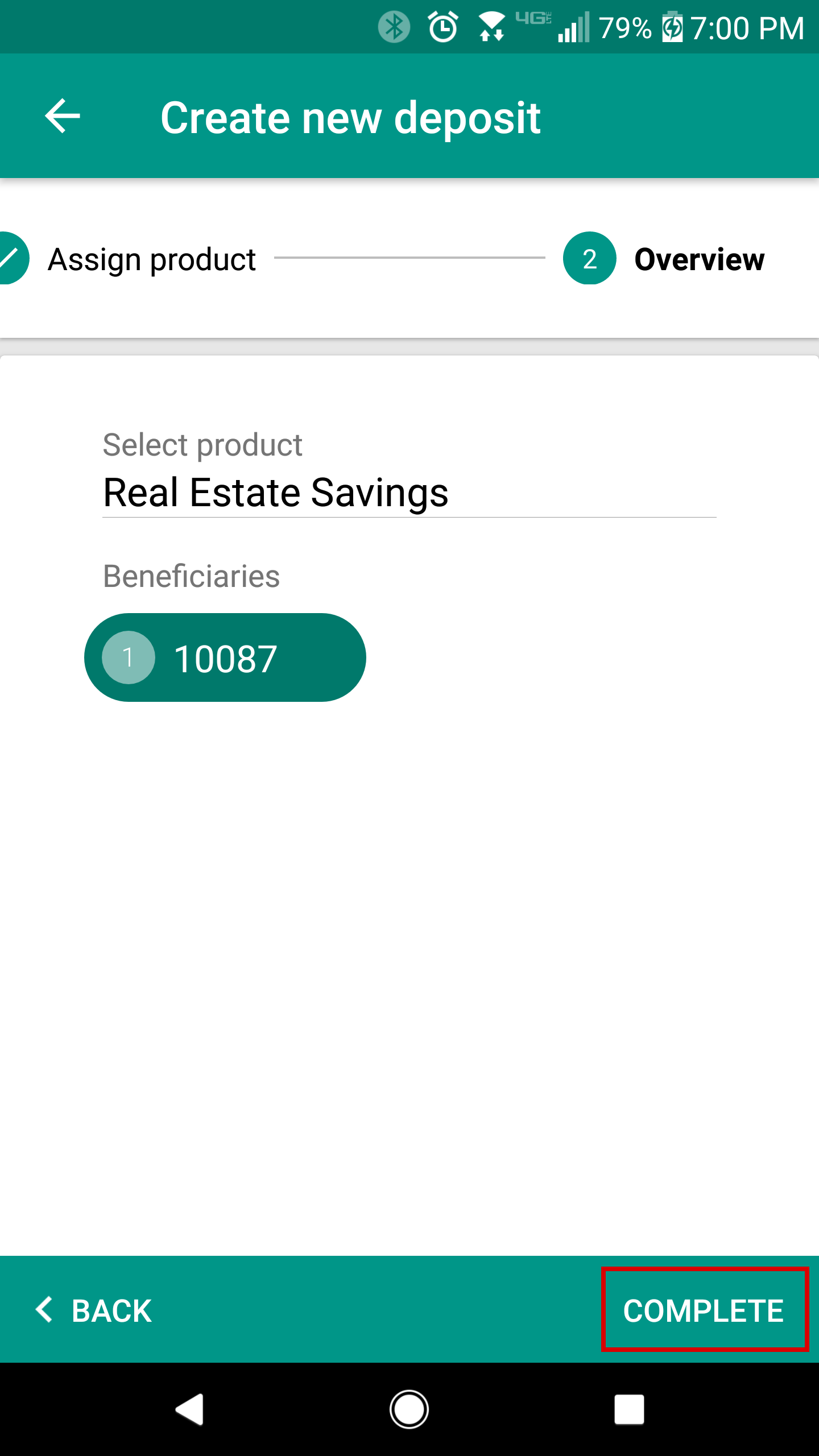
4. You are now at the "Overview" section. Ensure that all information is entered in correctly, and click the complete button. Your deposit account is now created.
Viewing and Editing a Specific Deposit Account
| Anchor | ||||
|---|---|---|---|---|
|
1. When viewing a list of all deposit accounts for a customer, click on the account that you want to view.
...