DUE TO SPAM, SIGN-UP IS DISABLED. Goto Selfserve wiki signup and request an account.
...
- First, open mobile fineract CN application, then you will see login screen, see the Pict Figure .1
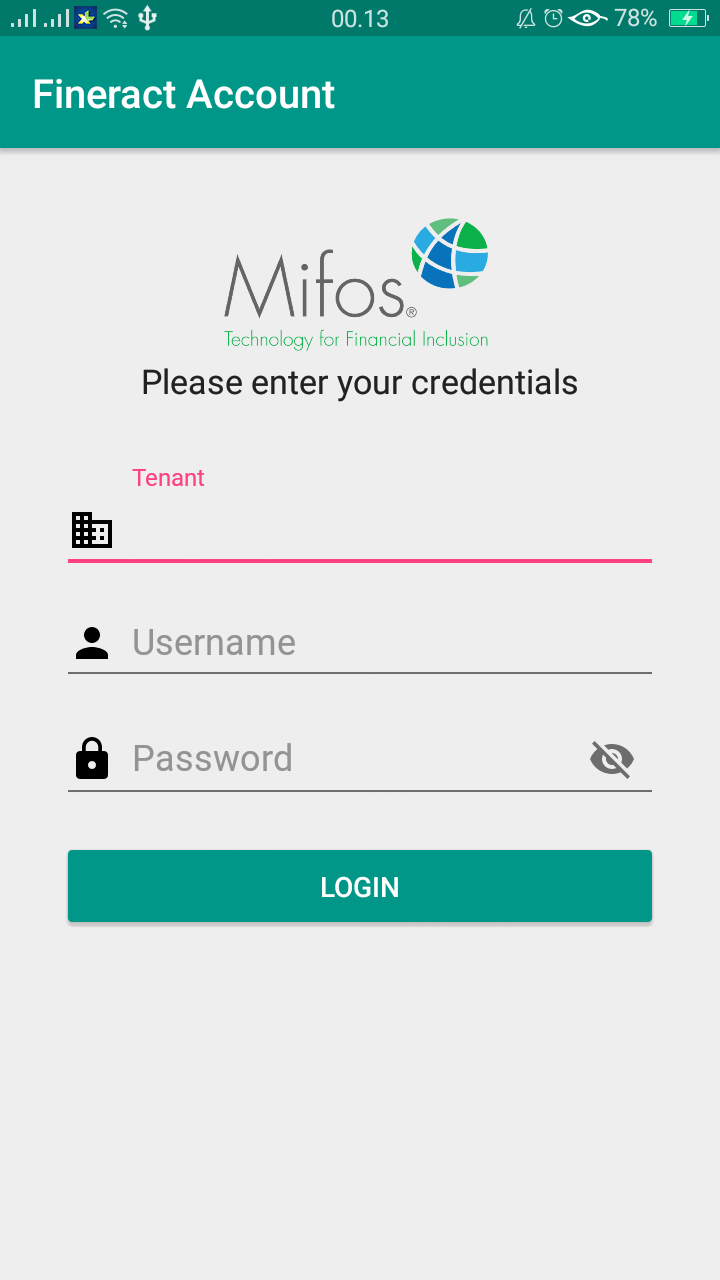
PictFigure.1
In order to login, do the following :
Enter your Tenant, Username, and Password.
Make sure data has correct and If data will not correct then It will show you specific alert, which field is not correct.
Then click login.
Table of login attribute :
Field Name (Attribute) | Description | Example of Demo |
Tenant | Your Correct Tenant | playground |
Username | Your Correct Username | apache.demo |
Password | Your Correct Password | ven3t1@n |
Note: You can always find demo credentials here: https://github.com/openMF/Fineract-CN-mobile/wiki
2. then, make sure you enter the tenant, username, and password in the fields provided.
this tenant, username, and password for demo credentials (Pict Figure 2.1 GIF & Pict Figure 2.2) :
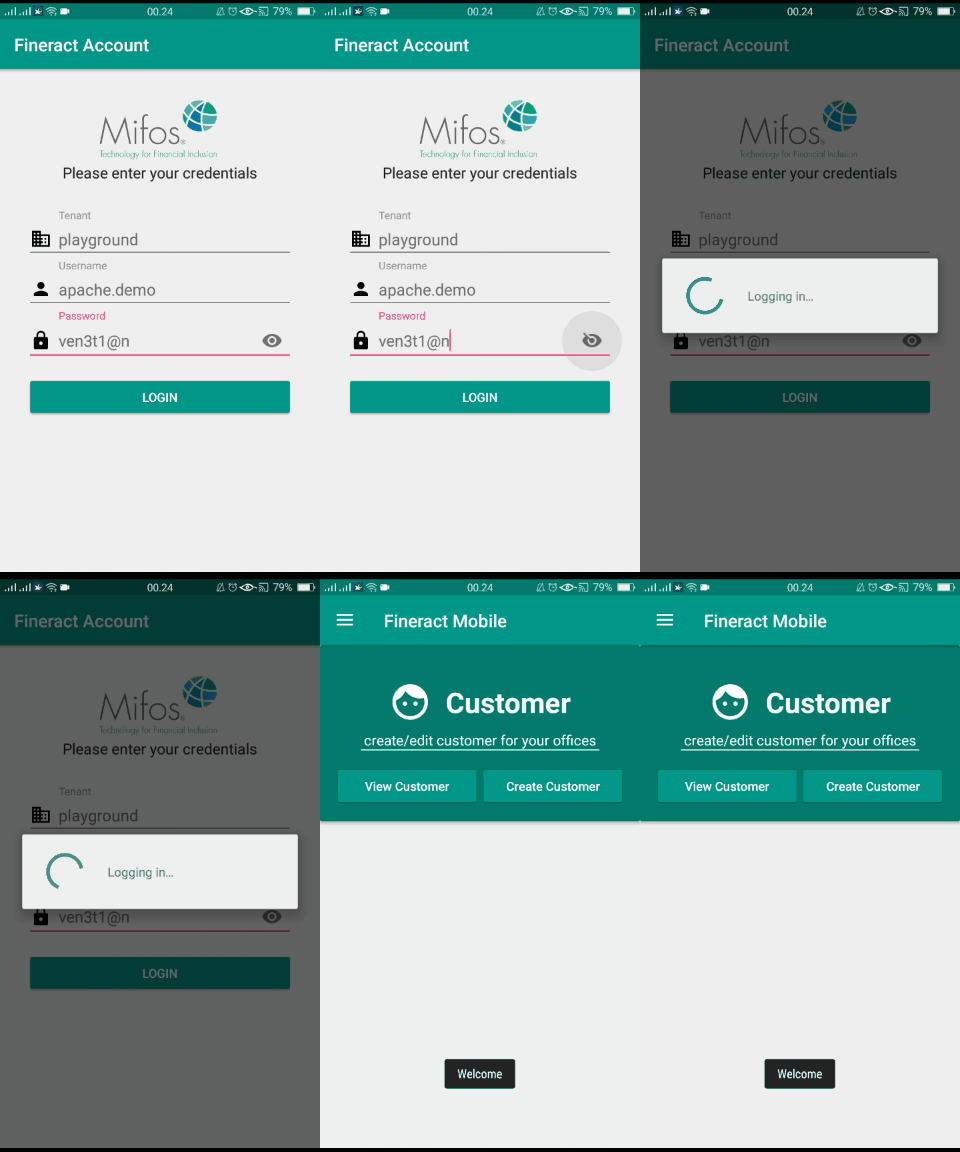
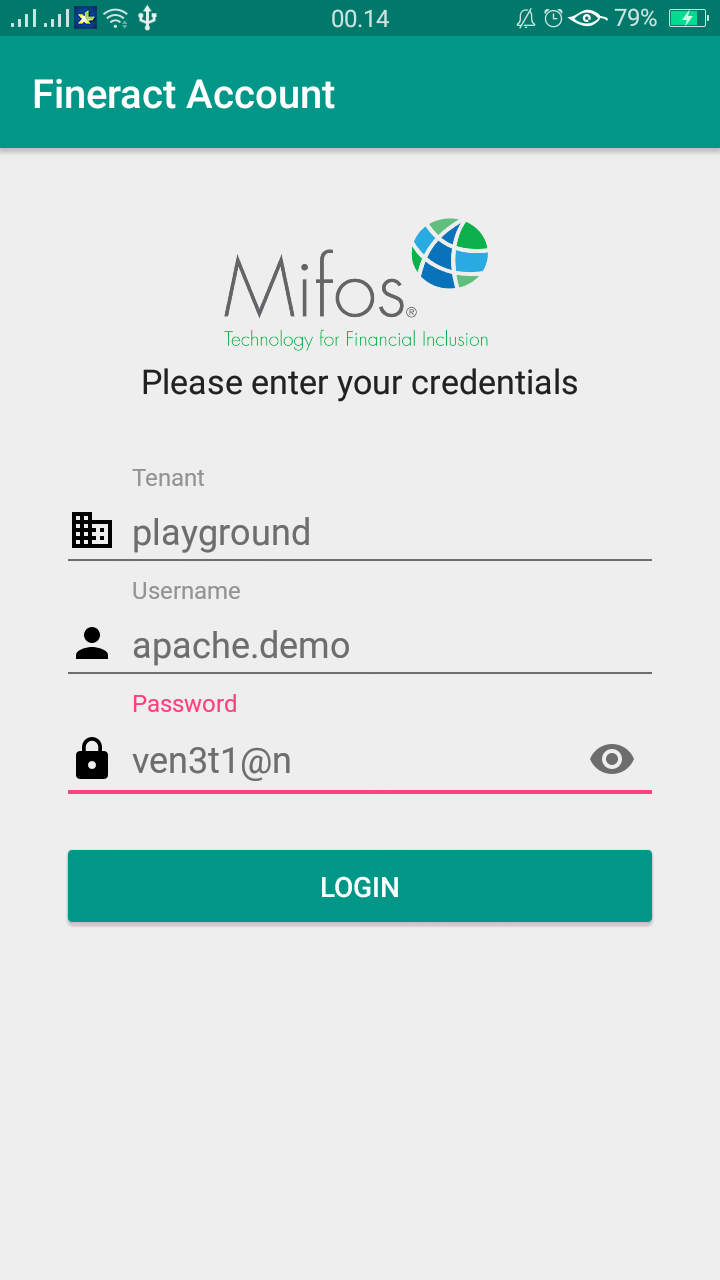
Pict Figure 2.1 Pict Figure 2.2
3. and third, if you are logged in. you will be redirected to the Pict. main dashboard of Fineract Mobile, see the Pict Figure .3
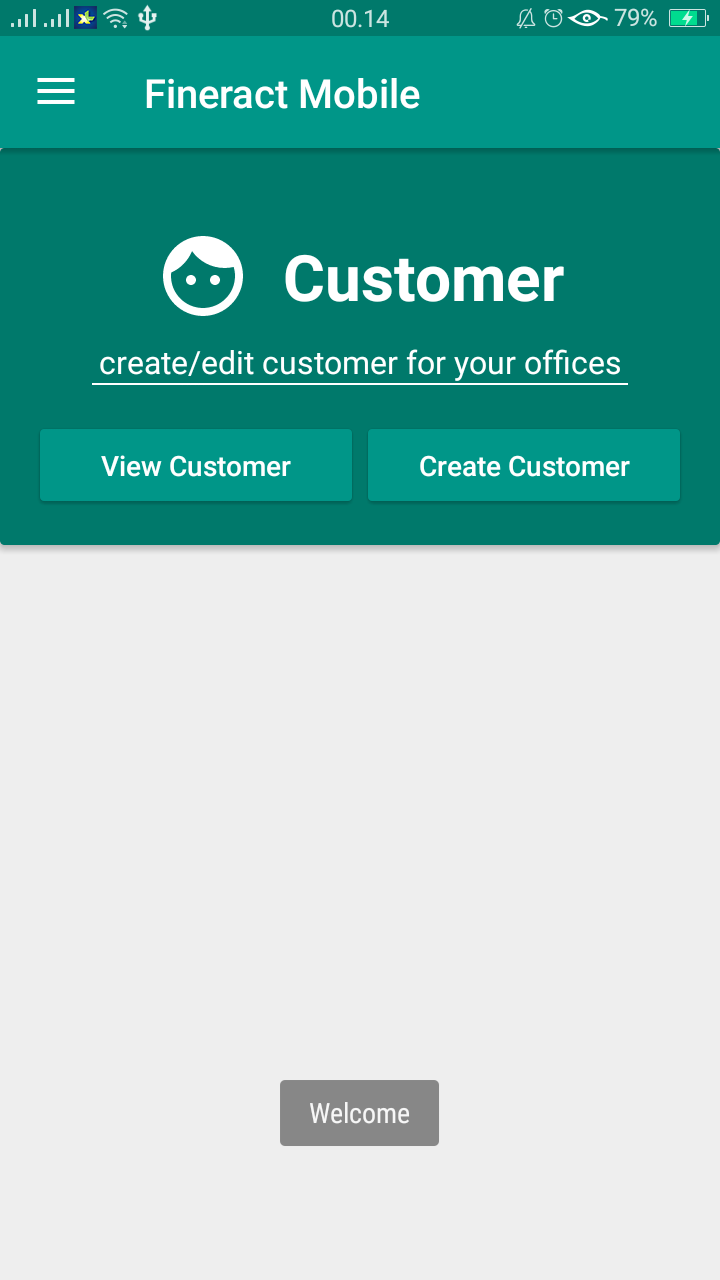
PictFigure.3
Logout to Fineract Account
...
Go to Fineract Mobile Main Dashbord, then swap click the menu button.navigation drawer button at the top-left.
then, click logout. after which a pop-up will appear to confirm that you will be logged out of from the application, see the Pict Figure 4.1 & 4.2.

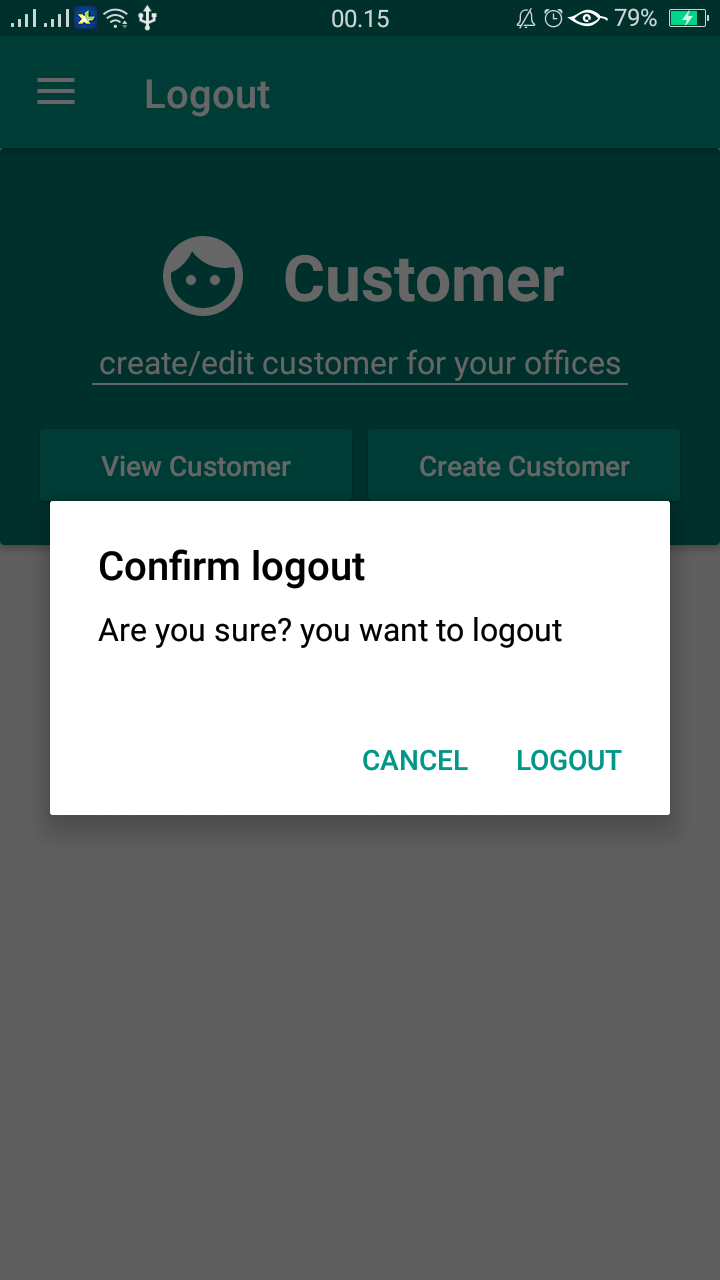
Pict Figure 4.1 Pict Figure 4.2
3. and done, you will be returned to the main login menu.
...
Pict Figure GIF .5