DUE TO SPAM, SIGN-UP IS DISABLED. Goto Selfserve wiki signup and request an account.
Tasks Management
First, you must first login and navigate to the main dashboard
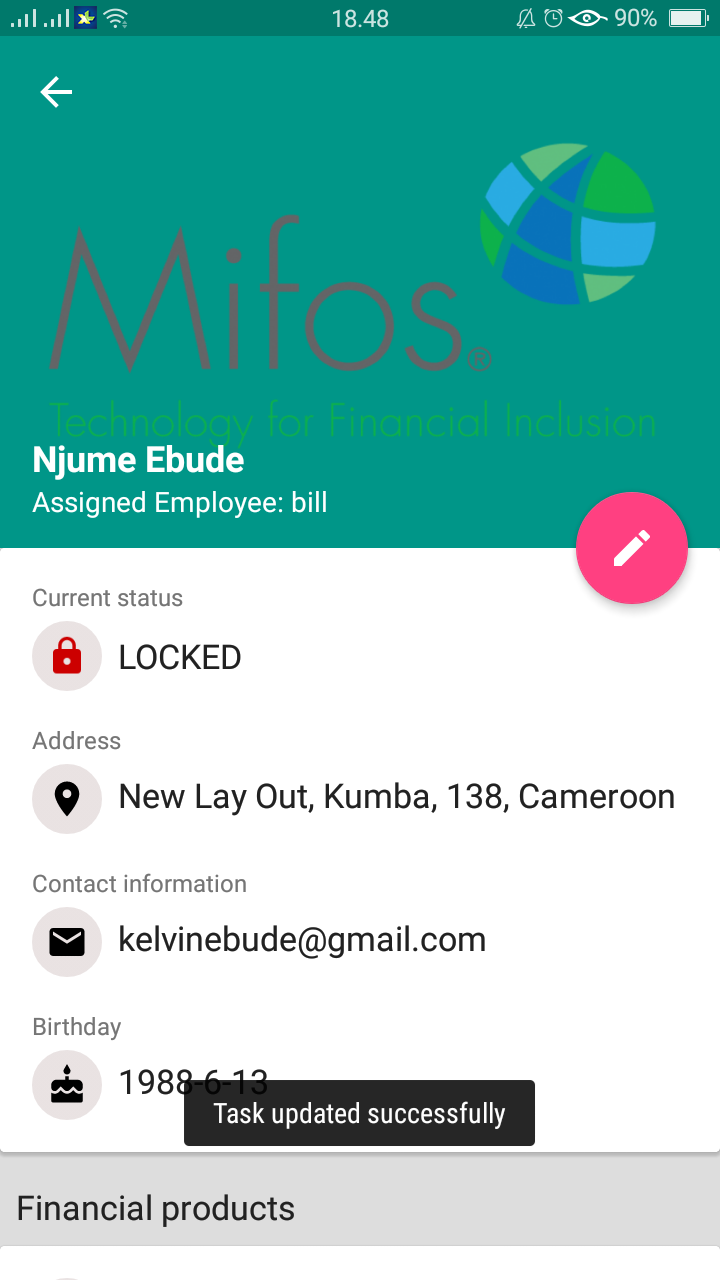
- Then, select menu button "View Customer". Once open select one of the customer, see Figure.1
...
b. Reopen / Close : this feature works to opened or closed the status in the customer.
How-To Change the Status of Customer, here an example :


Activities Management
- First, you must first login and navigate to the main dashboard
...