DUE TO SPAM, SIGN-UP IS DISABLED. Goto Selfserve wiki signup and request an account.

...
- Bring up the Preferences dialog (Top menu: Window ⇒ Preferences...)
- Navigate to the classpath variable preference page (Java ⇒ Build Path ⇒ Classpath Variables) and click the New... button
- Add a variable with the name M2_REPO and the path pointing to your local Maven repository location
!configure-m2_repo-01.png!thumbnail! !configure-m2_repo-02.png!thumbnail!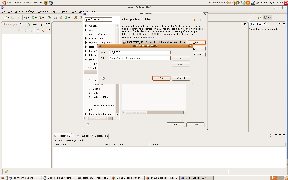
Import the project(s) in Eclipse
...
- Select General ⇒ Existing projects into Workspace as the import source
- Select your project's root directory for the wizard to show all Eclipse projects at that location. Be sure NOT to select the 'Copy projects into workspace' checkbox and hit the Finish button.
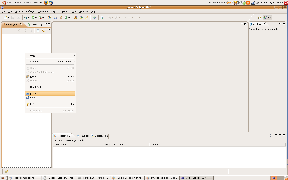
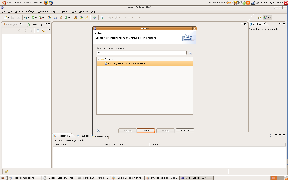 !import-project-03.png|thumbnail
... and start using Eclipse to edit your Maven project files
...