DUE TO SPAM, SIGN-UP IS DISABLED. Goto Selfserve wiki signup and request an account.

...
The access to credentials is controlled using IAM permissions. In our specific case, each slave-type (restricted and unrestricted) has an IAM role attached. We First, we need to create an IAM Policy here with the following content - note that you have to modify the ARN to match with the one you just created:
| Wiki Markup |
|---|
{
    "Version": "2012-10-17",
    "Statement": [
        {
            "Effect": "Allow",
            "Action": [
                "secretsmanager:DescribeSecret",
                "secretsmanager:List*"
            ],
            "Resource": "*"
        },
        {
            "Effect": "Allow",
            "Action": "secretsmanager:GetSecretValue",
            "Resource": [
                "arn:aws:secretsmanager:us-west-2:139068448383:secret:test/Maven/PublishCredentials-x3p2WL"
            ]
        }
    ]
} |
After creating the IAM policy, switch to the IAM role of your choice and attach the previously created policy. You will see a confirmation screen as follows:
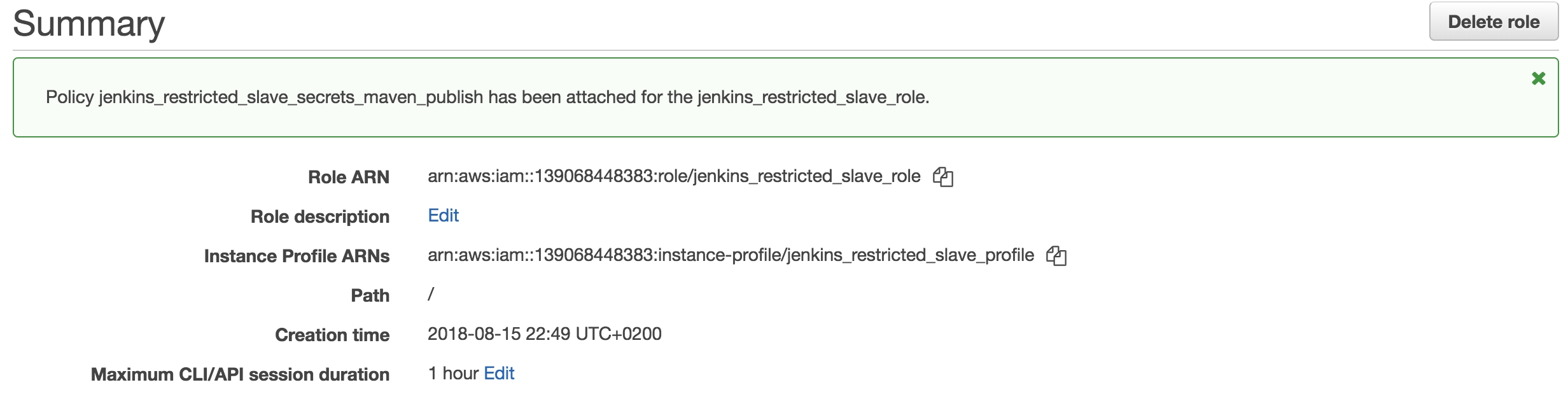
The IAM policy is now properly connected with the slave's role which grants it access to that specific secret.
Jenkins Environment Variables
In order to announce the paths to the secrets to the underlying jobs, we are making use of Environment Variables in Jenkins. Please note that these variables will be readable by anybody, but that should not be a problem because they will only contain the ARNs and Names of the secrets. Knowing these values does not grant access or gives any other possibility to retrieve any information since the authorization is controlled using IAM.
Navigate to the "Configure System" interface (dev - prod), scroll down to "Global Properties - Environment Variables" and you will see something along the lines of:Jenkins Environment Variables