DUE TO SPAM, SIGN-UP IS DISABLED. Goto Selfserve wiki signup and request an account.

...
Navigate to the "Configure System" interface (dev - prod), scroll down to "Global Properties - Environment Variables" and you will see something along the lines of:
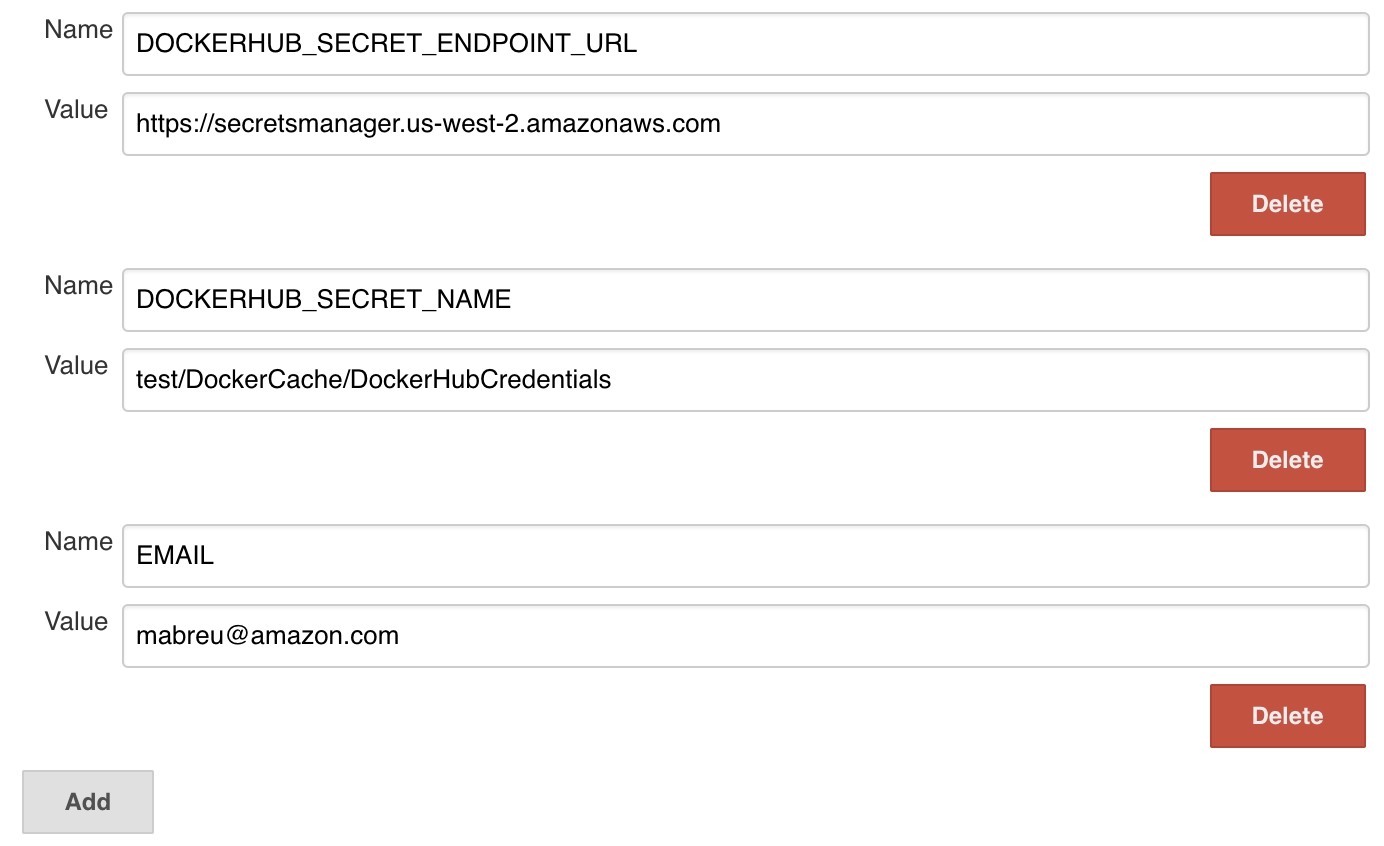
Simply press "Add" and add the environment variables:
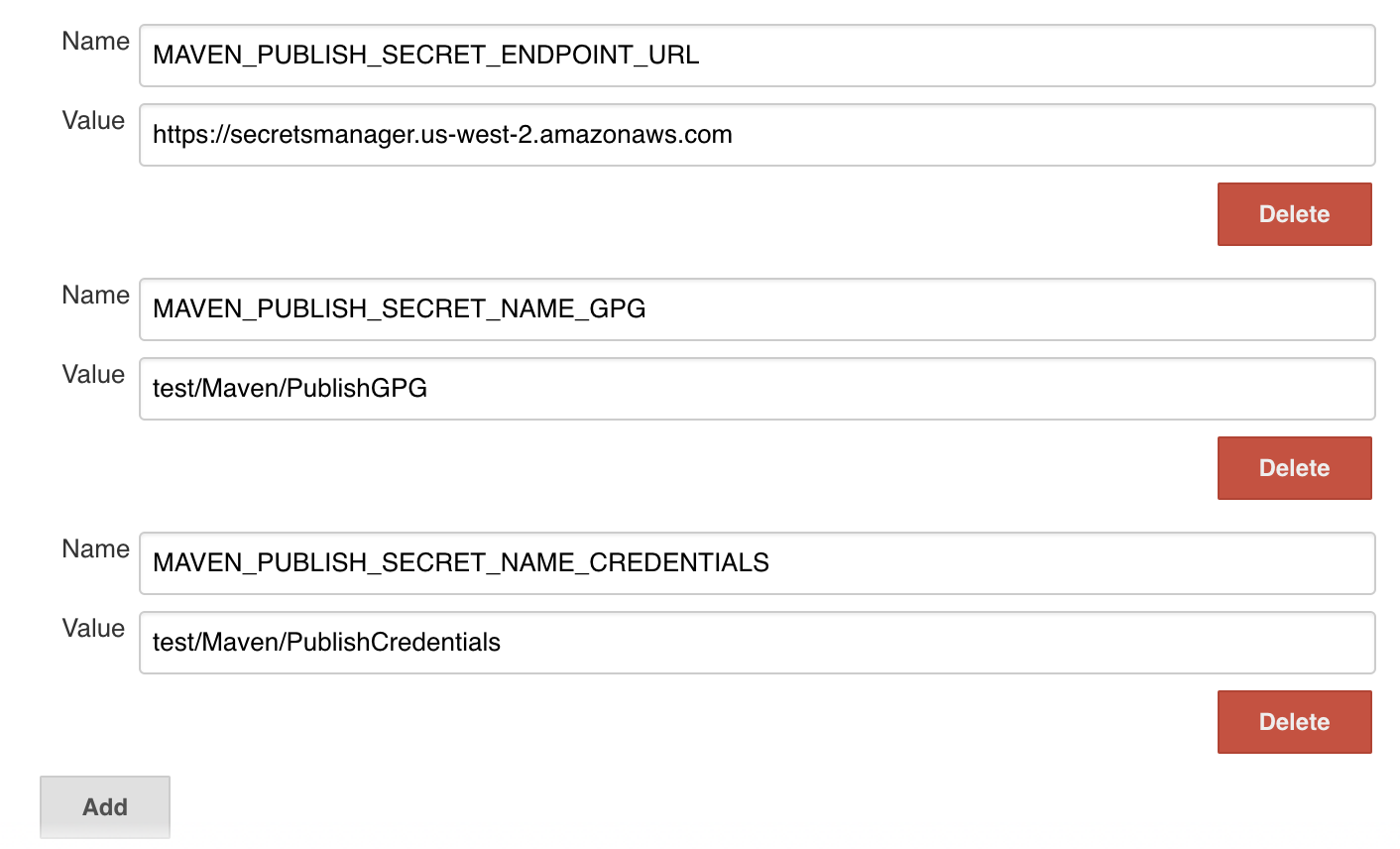
At the bottom of the page, press "Save" and you're done. The environment variables are now available to all slaves.