There are 2 methods you can run Apache Roller.
1)Test Run using maven goal (mvn jetty:run).
2) Deploy the war file in a webapp , configure and then run.
It is important for a developer to Remote debug the instance with maven goal without deploying to the App server.This tutorial shows how to debug the test run.
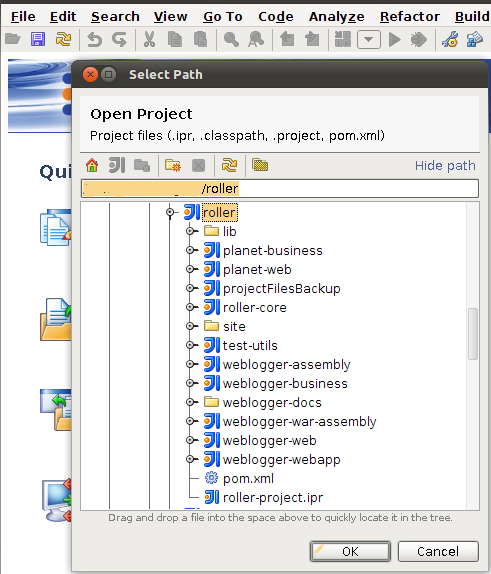
svn co https://svn.apache.org/repos/asf/roller/trunk roller_trunk |
mvn idea:idea |
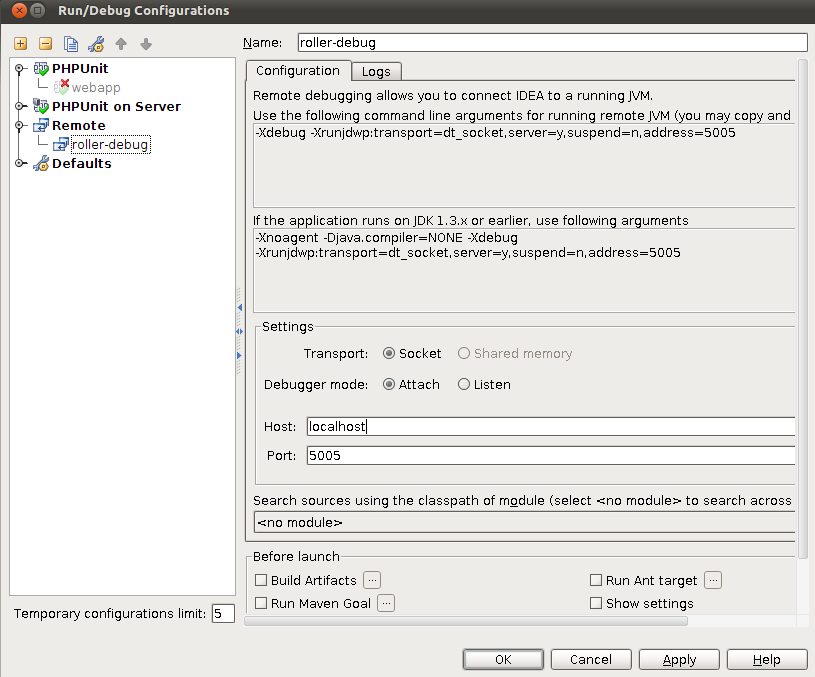
Click on Run --. Edit Configuration.You will get a window titled run/debug configuration.Click on the + mark which appears on left top corner.Select Remote from the list
Add a suitable name. (I have used roller-debug)
You have to give 2 parameters host & a port to use for debug . eg: Host : localhost , port: 5005 and then click ok.
export MAVEN_OPTS='-Xdebug -Xrunjdwp:transport=dt_socket,address=5005,server=y,suspend=y' |
Remember here you have to give the address which you gave as the debug port in IDE.
You need to navigate to weblogger-webapp folder first
cd weblogger-webapp mvn jetty:run |
You will observe in the command line that it listen for port 5005. (assuming address =5005)
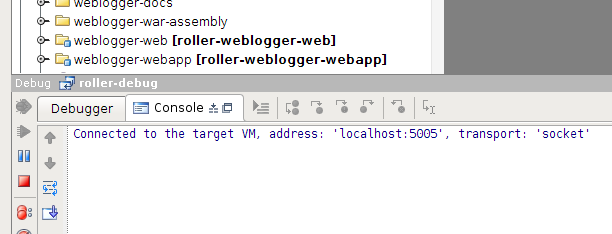
If it is success you will get a message as, "Connected to the target VM, address: 'localhost:5005', transport: 'socket'." and you can observe that test run is being started in the command line.
Now it is time to add some debug points and continue debugging.
Note: You can create a small shell script and add set the MAVEN_OPTS by running that script too.