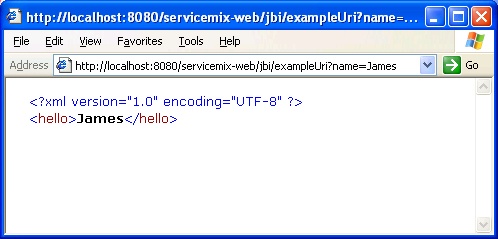
The following guide explains how to deploy ServiceMix 1.1 and ServiceMix 2.0 on the Apache Tomcat application server. For ServiceMix 2.0.1 and later releases, please refer to the Tomcat Integration document.
c:\Program Files\Java\jdk1.5.xx.The following platform was used to produce this document:
Execute the following steps to deploy ServiceMix on Apache Tomcat. NOTE: This procedure will work on Unix platforms as well as the Windows platform, with the appropriate substitutions, such as using the backslash ( \ ) instead of the forward slash ( / ).
cd [servicemix_install_dir]\tooling\servicemix-web maven war |
servicemix_install_dir is the directory in which ServiceMix was downloaded and installed.servicemix-web.war, copy it to the Tomcat webapps directory. For example, on a Windows system:
cd [servicemix_install_dir]\tooling\servicemix-web\target copy servicemix-web.war [tomcat_install_dir]\webapps |
tomcat_install_dir is the directory in which Tomcat was installed.
commons-collections-3.1.jar and commons-pool-1.2.jar. These can be obtained by using a search engine and searching for them. Or they can found in your Maven repository, which is usually located in your_home_dir\.maven\repository. Specifically, your_home_dir\.maven\repository\commons-collections\jars and your_home_dir\.maven\repository\commons-pool\jars.
copy commons-collections-3.1.jar [tomcat_install_dir]\webapps\servicemix-web\WEB-INF\lib copy commons-pool-1.2.jar [tomcat_install_dir]\webapps\servicemix-web\WEB-INF\lib |
INFO: Deploying web application archive servicemix-web.war Nov 1, 2005 11:03:54 AM org.springframework.web.context.ContextLoader initWebApplicationContext INFO: Root WebApplicationContext: initialization started Nov 1, 2005 11:03:54 AM org.springframework.beans.factory.xml.XmlBeanDefinitionReader loadBeanDefinitions INFO: Loading XML bean definitions from ServletContext resource [/WEB-INF/applicationContext.xml] Nov 1, 2005 11:03:55 AM org.springframework.core.CollectionFactory <clinit> INFO: JDK 1.4+ collections available Nov 1, 2005 11:03:55 AM org.springframework.core.CollectionFactory <clinit> INFO: Commons Collections 3.x available Nov 1, 2005 11:03:55 AM org.springframework.context.support.AbstractRefreshableApplicationContext refreshBeanFactory INFO: Bean factory for application context [Root WebApplicationContext]: org.springframework.beans.factory.support.DefaultListableBeanFactory defining beans [jencks,broker,transactionManager,jmsFactory,jbi]; root of BeanFactory hierarchy Nov 1, 2005 11:03:55 AM org.springframework.context.support.AbstractApplicationContext refresh INFO: 5 beans defined in application context [Root WebApplicationContext] Nov 1, 2005 11:03:55 AM org.springframework.context.support.AbstractApplicationContext initMessageSource INFO: Unable to locate MessageSource with name 'messageSource': using default [org.springframework.context.support.DelegatingMessageSource@1049d3] Nov 1, 2005 11:03:55 AM org.springframework.context.support.AbstractApplicationContext initApplicationEventMulticaster INFO: Unable to locate ApplicationEventMulticaster with name 'applicationEventMulticaster': using default [org.springframework.context.event.SimpleApplicationEventMulticaster@14a7a12] Nov 1, 2005 11:03:55 AM org.springframework.ui.context.support.UiApplicationContextUtils initThemeSource INFO: No ThemeSource found for [Root WebApplicationContext]: using ResourceBundleThemeSource Nov 1, 2005 11:03:55 AM org.springframework.beans.factory.support.DefaultListableBeanFactory preInstantiateSingletons INFO: Pre-instantiating singletons in factory [org.springframework.beans.factory.support.DefaultListableBeanFactory defining beans [jencks,broker,transactionManager,jmsFactory,jbi]; root of BeanFactory hierarchy] Nov 1, 2005 11:03:55 AM org.springframework.beans.factory.support.AbstractBeanFactory getBean INFO: Creating shared instance of singleton bean 'jencks' Nov 1, 2005 11:03:56 AM org.springframework.beans.factory.support.AbstractBeanFactory getBean INFO: Creating shared instance of singleton bean 'broker' ... |
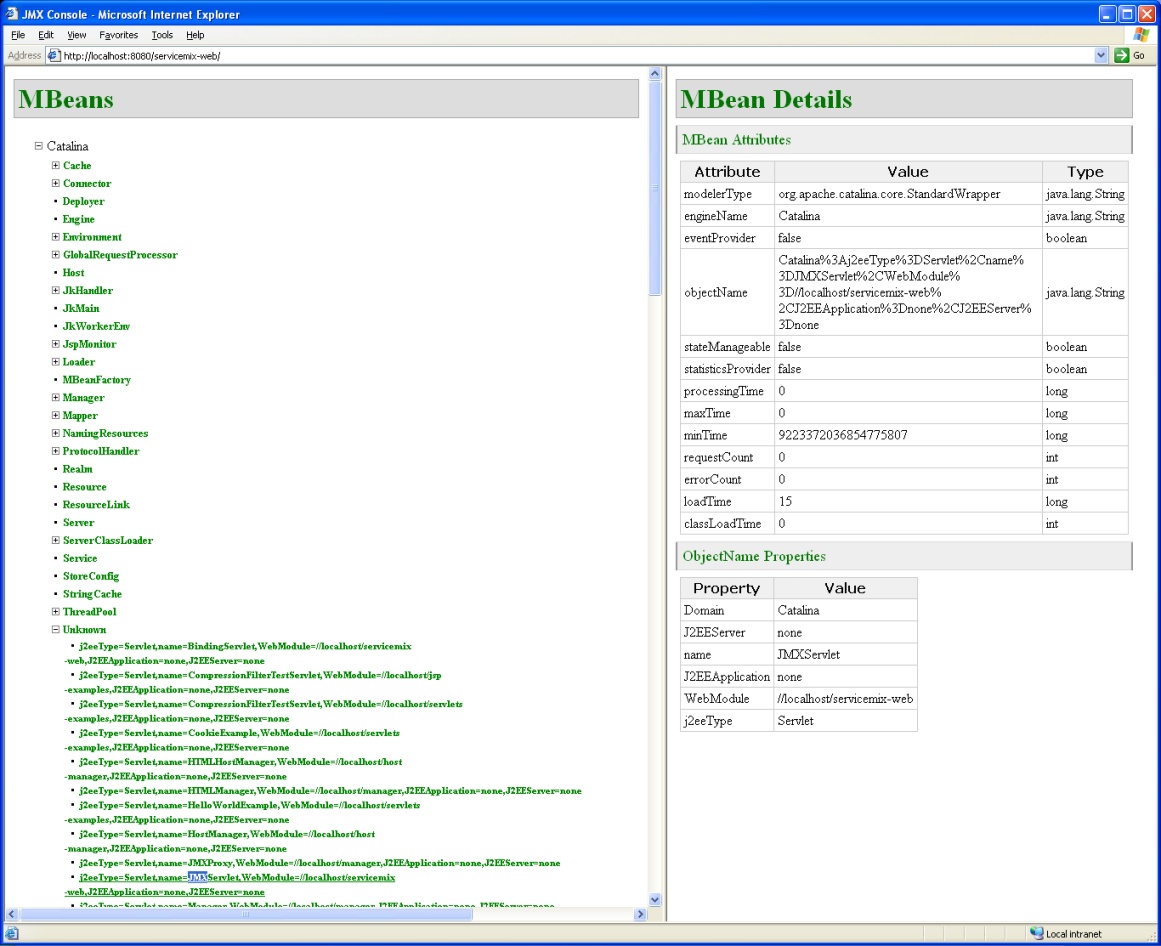
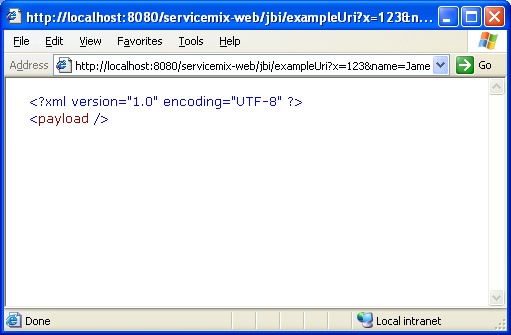
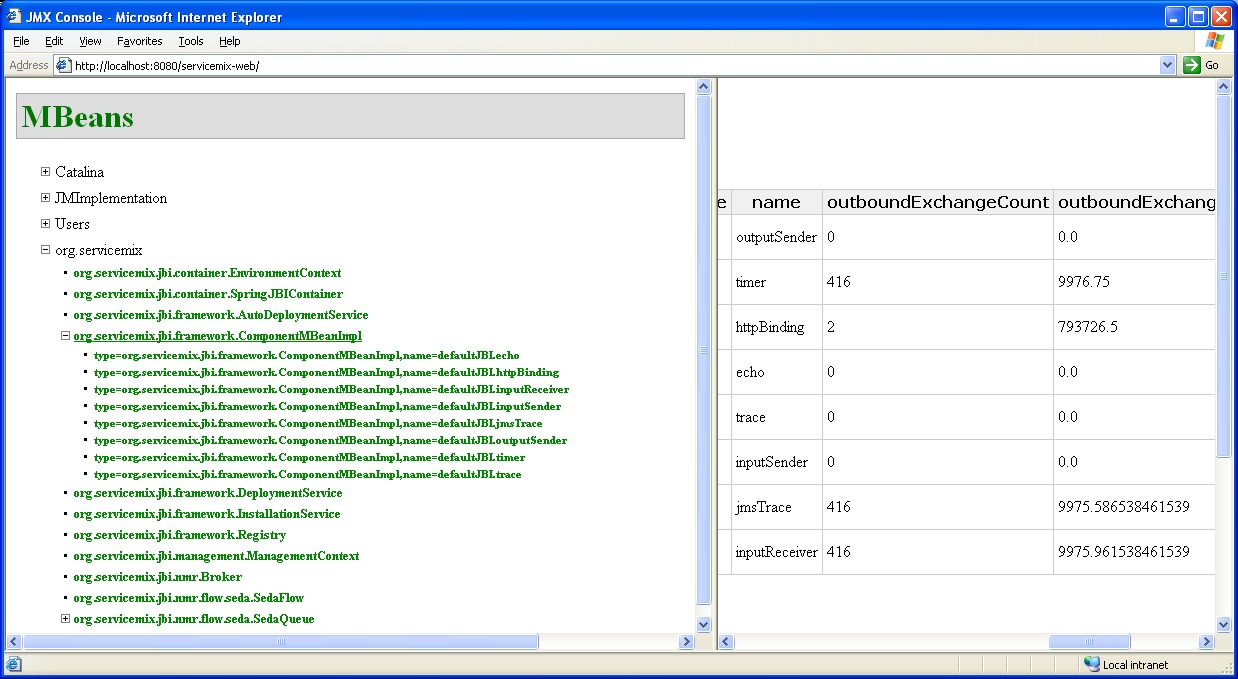
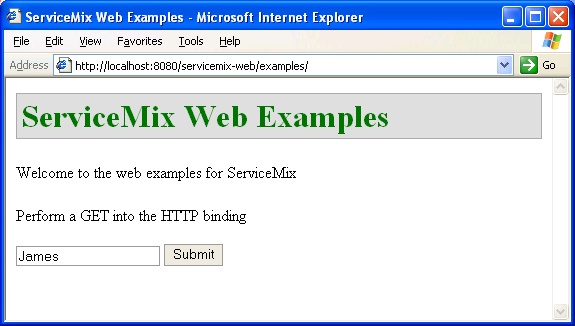
tomcat_home_dir\logs\catalina.xxxx-xx-xx.log.To ensure that ServiceMix is running on Tomcat do any of the following:
netstat -an|find "1099" |
netstat -an|grep 1099 |
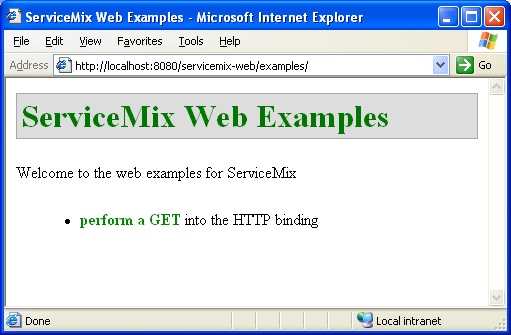
index.html file needs to be modified. The index.html file is located in the tomcat_install_dir\webapps\servicemix-web\examples directory. After editing the file, return to step 1.
Change this line: <li><a href="/jbi/exampleUri?x=123&name=James&location=London">perform a GET</a> into the HTTP binding</li> to <li><a href="/servicemix-web/jbi/exampleUri?x=123&name=James&location=London">perform a GET</a> into the HTTP binding</li> |
cd [tomcat_install_dir]\webapps\servicemix-web\WEB-INF\classes\org\servicemix\components |
[tomcat_install_dir] is the directory in which Tomcat is installed.HelloWorldComponent.class does not exist and possibly the directory components does not exist either, perform the following steps. If the file exists, go to
components directory in the ServiceMix source distribution:
cd [servicemix_install_dir]\tooling\servicemix-web\src\main\java\org\servicemix mkdir components |
HelloWorldComponent.java file to the components directory created above. The HelloWorldComponent.java file can be created by cutting and pasting the following code:
package org.servicemix.components;
import org.servicemix.components.util.TransformComponentSupport;
import org.servicemix.jbi.jaxp.StringSource;
import javax.jbi.messaging.MessageExchange;
import javax.jbi.messaging.MessagingException;
import javax.jbi.messaging.NormalizedMessage;
public class HelloWorldComponent extends TransformComponentSupport {
private String property;
protected boolean transform(MessageExchange exchange, NormalizedMessage in, NormalizedMessage out)
throws MessagingException {
out.setContent(new StringSource("<hello>" + in.getProperty(property) + "</hello>"));
return true;
}
public String getProperty() {
return property;
}
public void setProperty(String property) {
this.property = property;
}
}
|
servicemix-web.war file:
cd [servicemix_install_dir]\tooling\servicemix-web maven war |
servicemix_install_dir is the directory in which ServiceMix was downloaded and installed.[tomcat_install_dir]\webapps\servicemix-web directory.servicemix-web.war to the Tomcat webapps directory. For example, on a Windows system:
cd [servicemix_install_dir]\tooling\servicemix-web\target copy servicemix-web.war [tomcat_install_dir]\webapps |
tomcat_install_dir is the directory in which Tomcat was installed.