- Modify config.yml to adjust the TailFile source file named "File to Tail"
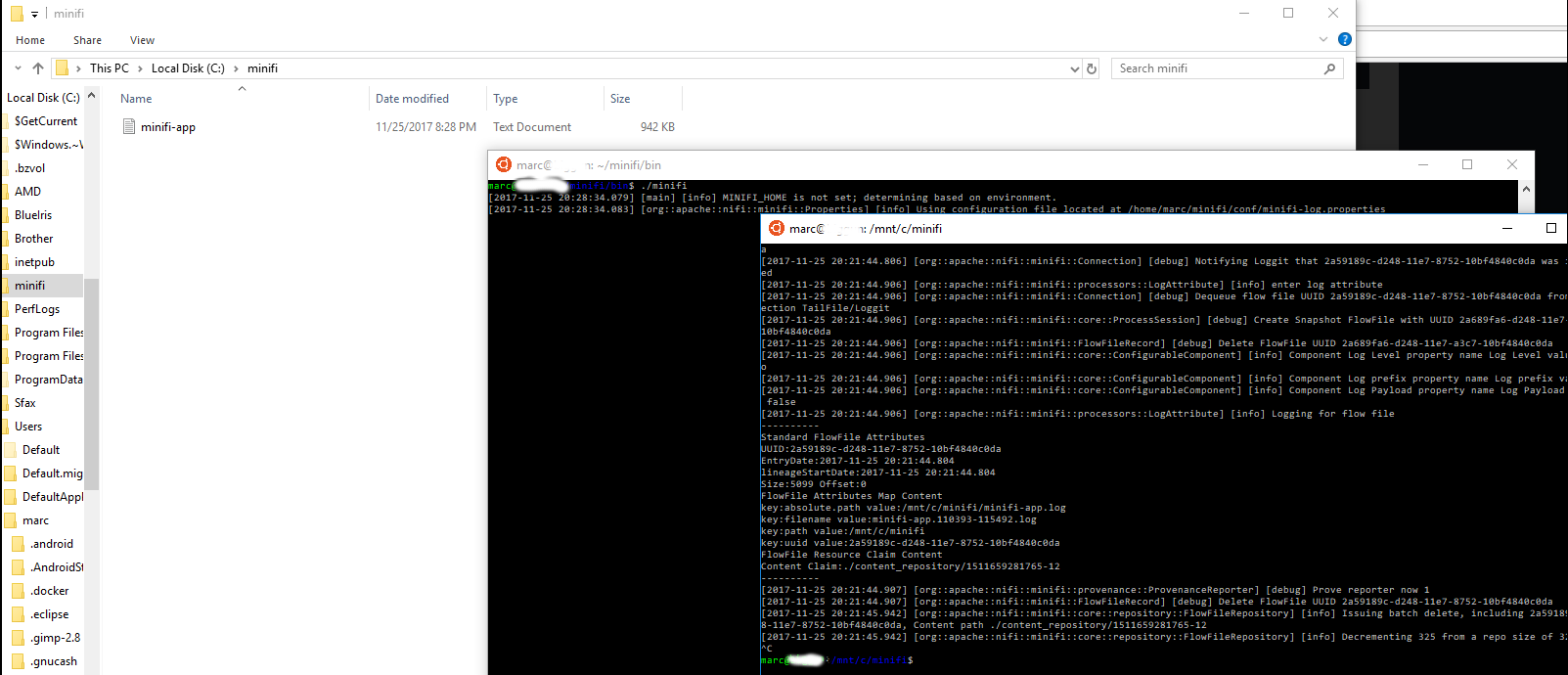
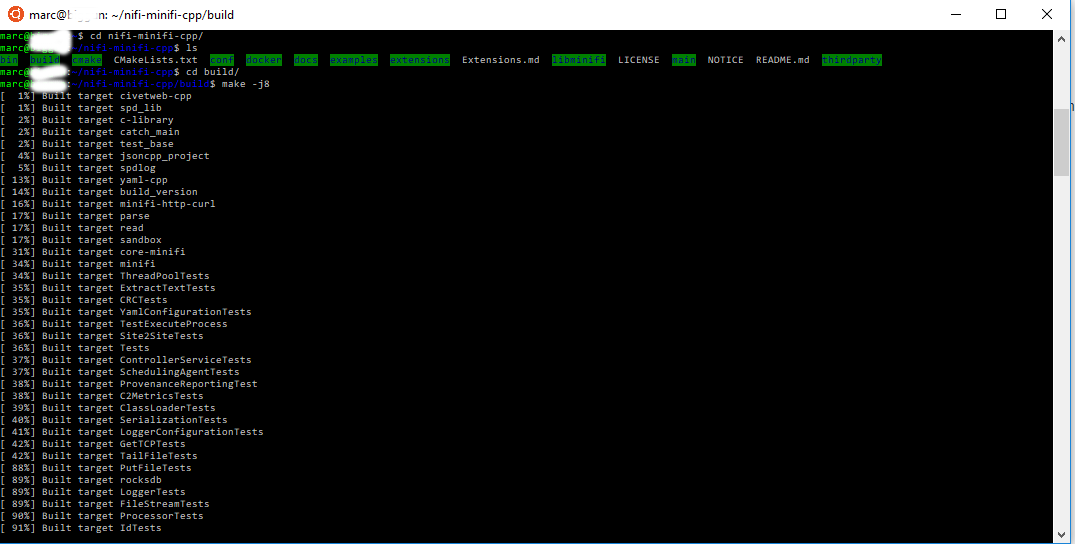
In this article we'll discuss using Windows to tail a minifi-app log natively in Ubuntu. This article assumes that you have Windows Linux Subsystem installed. A tutorial can be found here. The example machine I have is a Windows 10 machine running MiNIFi C++ natively. In this example we'll provide a very quick overview of the steps to tailing files within your Windows 10 instance. Note that the files included specify paths on my windows system. You will need to change paths to represent those on your file system. The MiNiFi log properties file will be used to place the log file into my C:/minifi/ directory. The TailFile Processor will be directed at this file, which will then log the attributes into the same C:/minifi/minifi-app.log . This will cause the TailFile processor to constantly pull new data from the log file and log attributes for each FlowFile.
Add the steps involved: