DUE TO SPAM, SIGN-UP IS DISABLED. Goto Selfserve wiki signup and request an account.
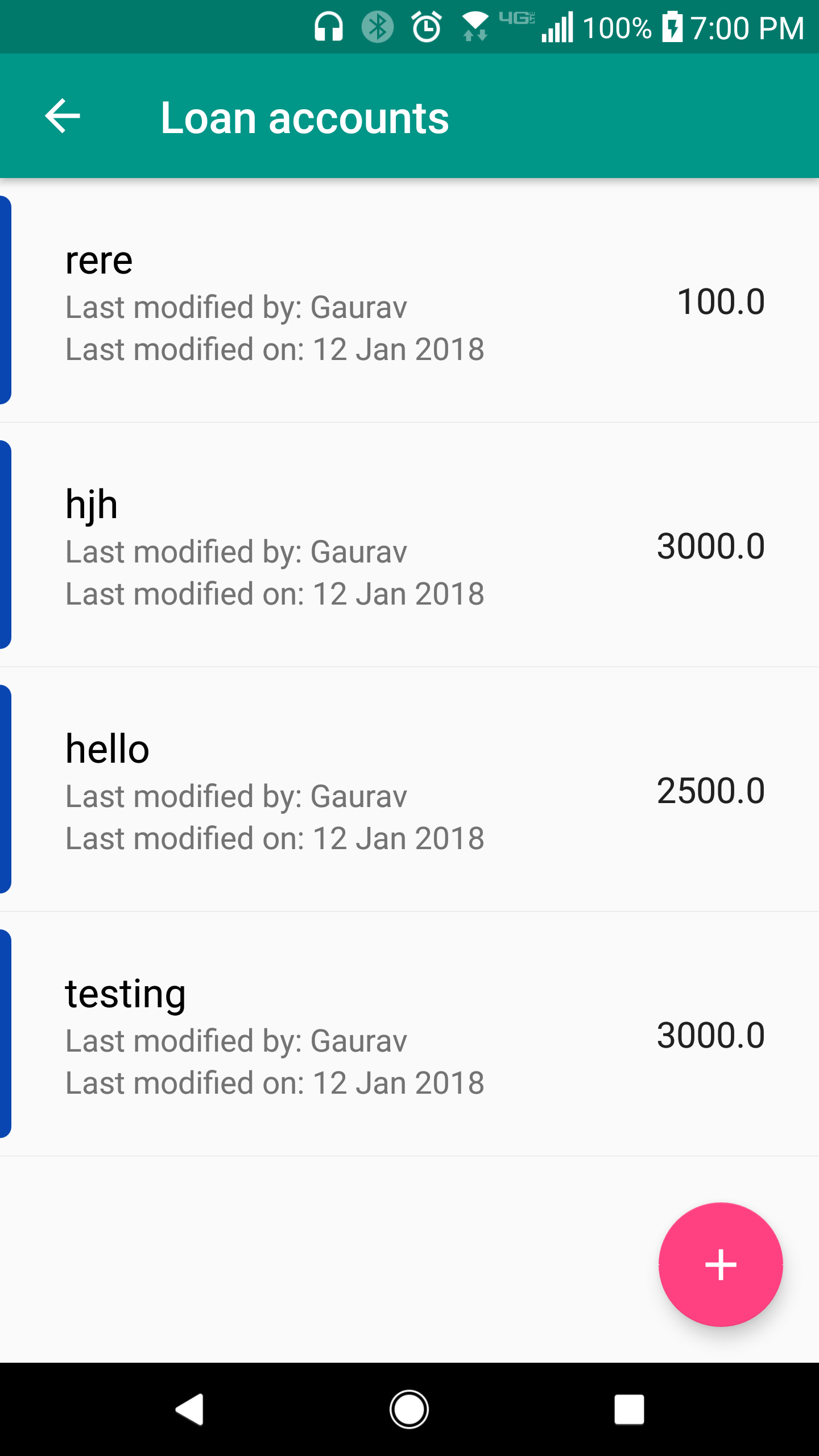
1. When viewing a list of all loan accounts for a customer, click on the account that you want to view.
2. You are now viewing the details of a loan account. You can see details such as deposit amount, principle amount, payment cycle, and more. To edit the loan account, click the edit button on the bottom-right of your screen.
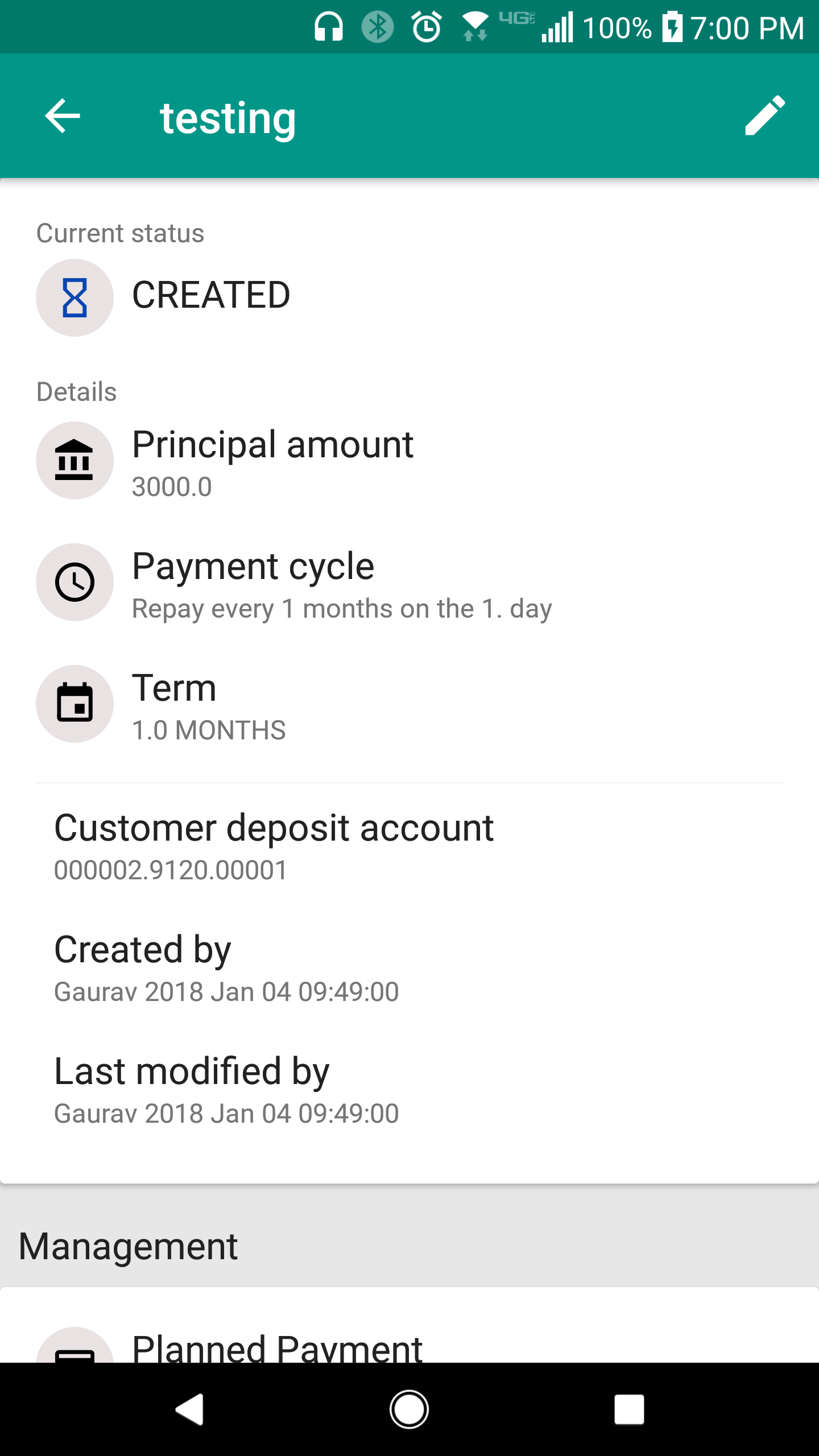
3. To manage planned payments, tasks, and debt income reports, scroll down the page.
