DUE TO SPAM, SIGN-UP IS DISABLED. Goto Selfserve wiki signup and request an account.

DUE TO SPAM, SIGN-UP IS DISABLED. Goto Selfserve wiki signup and request an account.
The SSL termination (SSL offloading) feature was introduced in Apache CloudStack 4.13.
Bug: https://issues.apache.org/jira/browse/CLOUDSTACK-4821
FS: https://cwiki.apache.org/confluence/display/CLOUDSTACK/SSL+Termination+Support
However, this feature is only implemented for Citrix Netscaler by commit https://github.com/apache/cloudstack/commit/0076307
This improvement derives from a feature design in Apache CloudStack 4.15: VR haproxy customization in CloudStack (which is not merged)
This improves SSL offloading feature which includes
This described some details of the implementation
None.
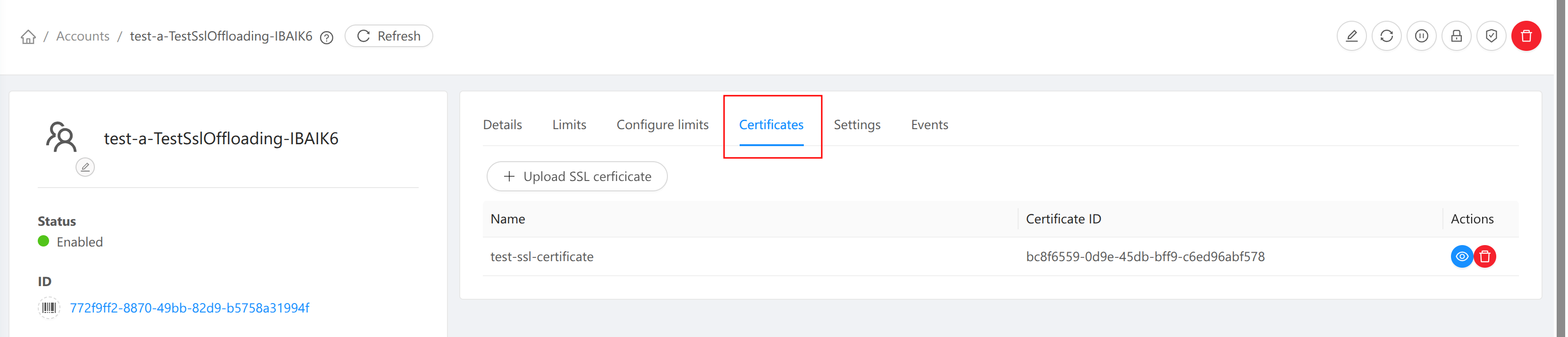
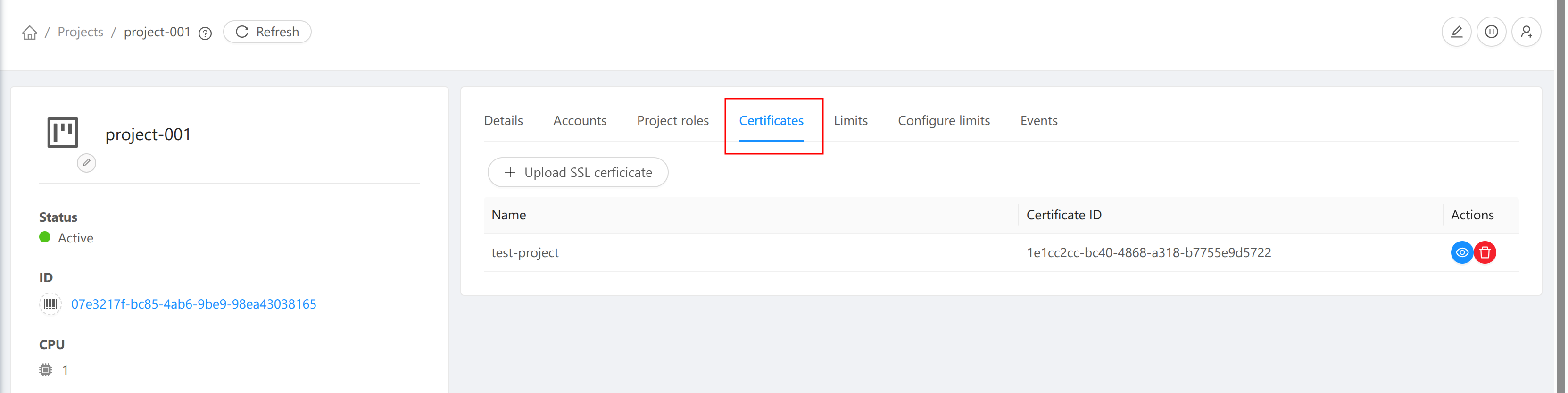
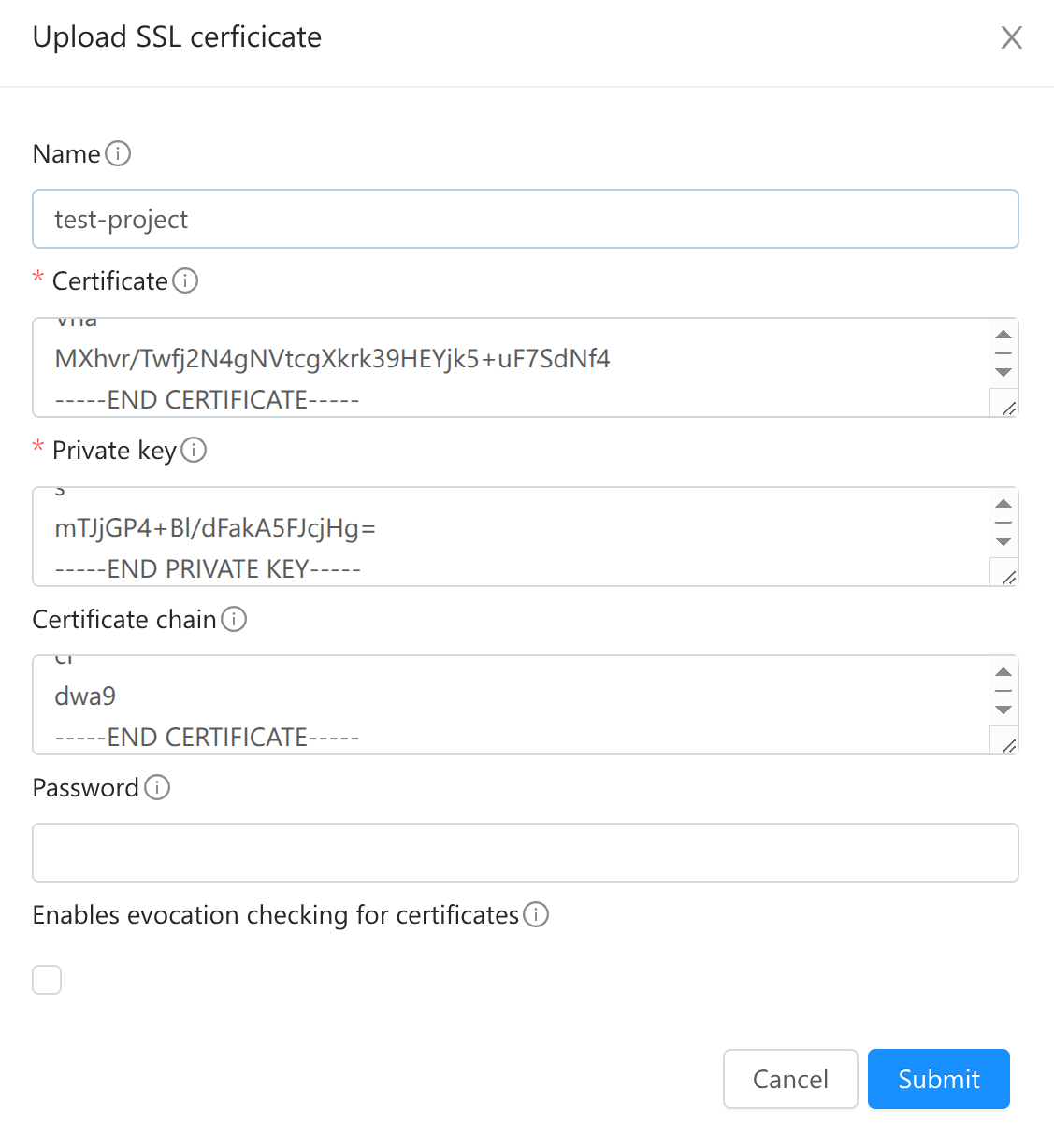
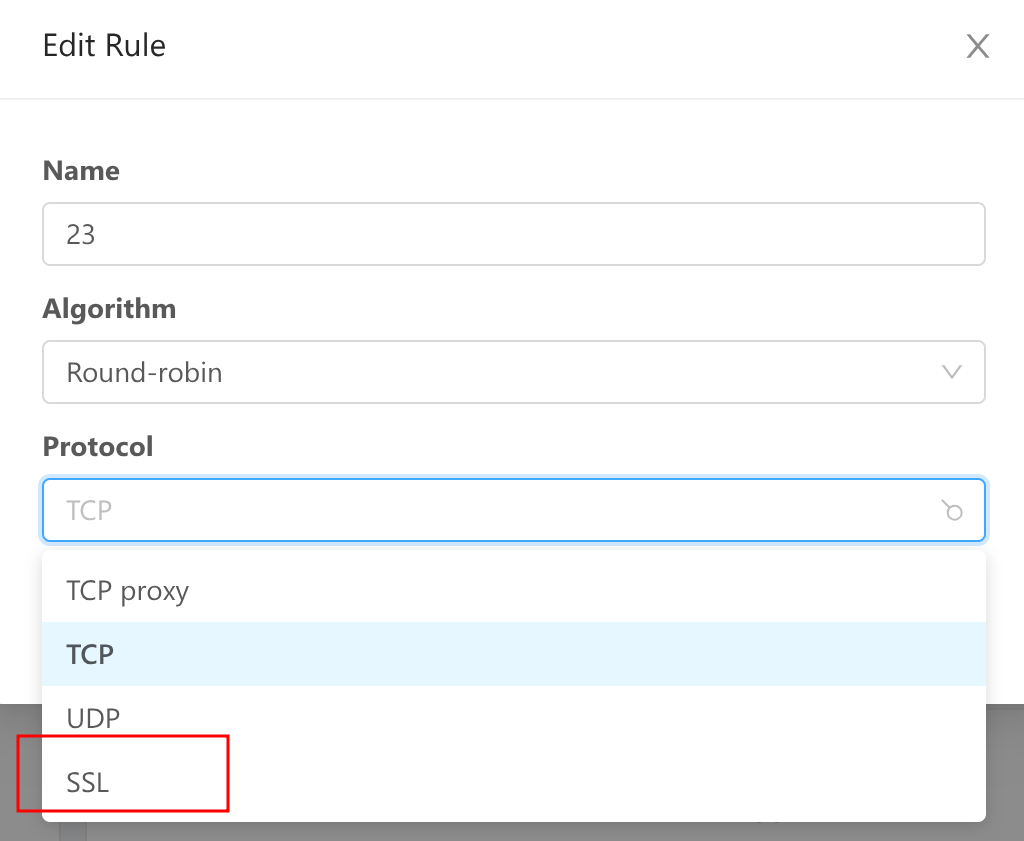
The protocol MUST be "SSL"
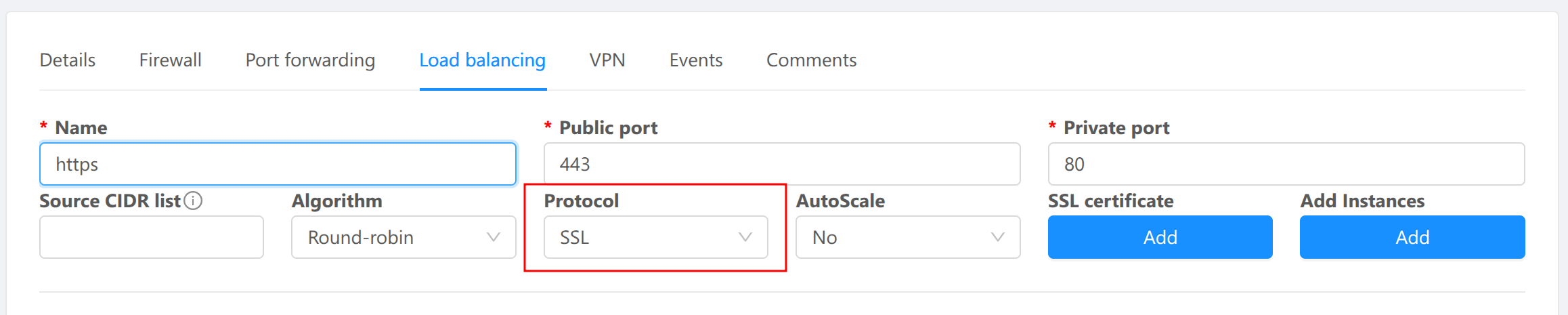
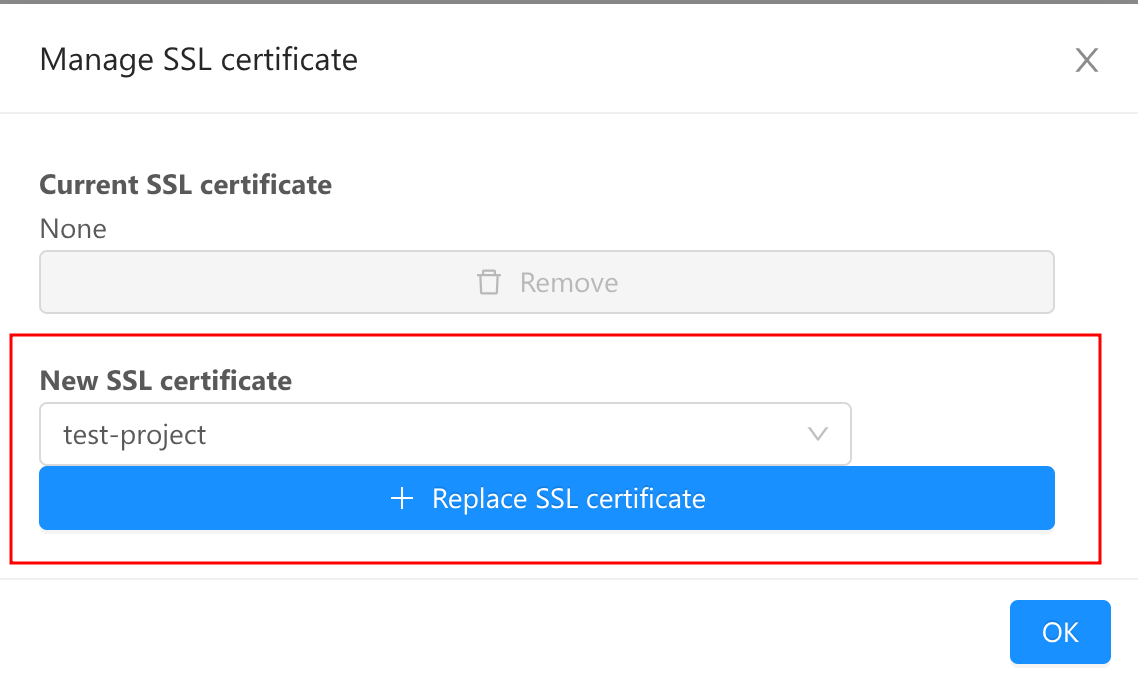
Choose a certificate
If protocol is not SSL, click "Edit", change protocol to "SSL"

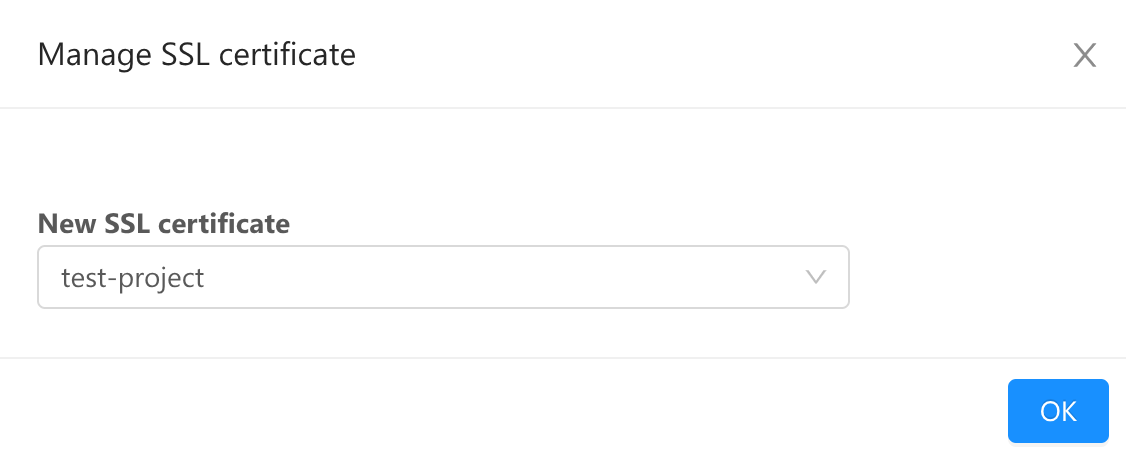
Click "Manage Certificate" to assign a certificate

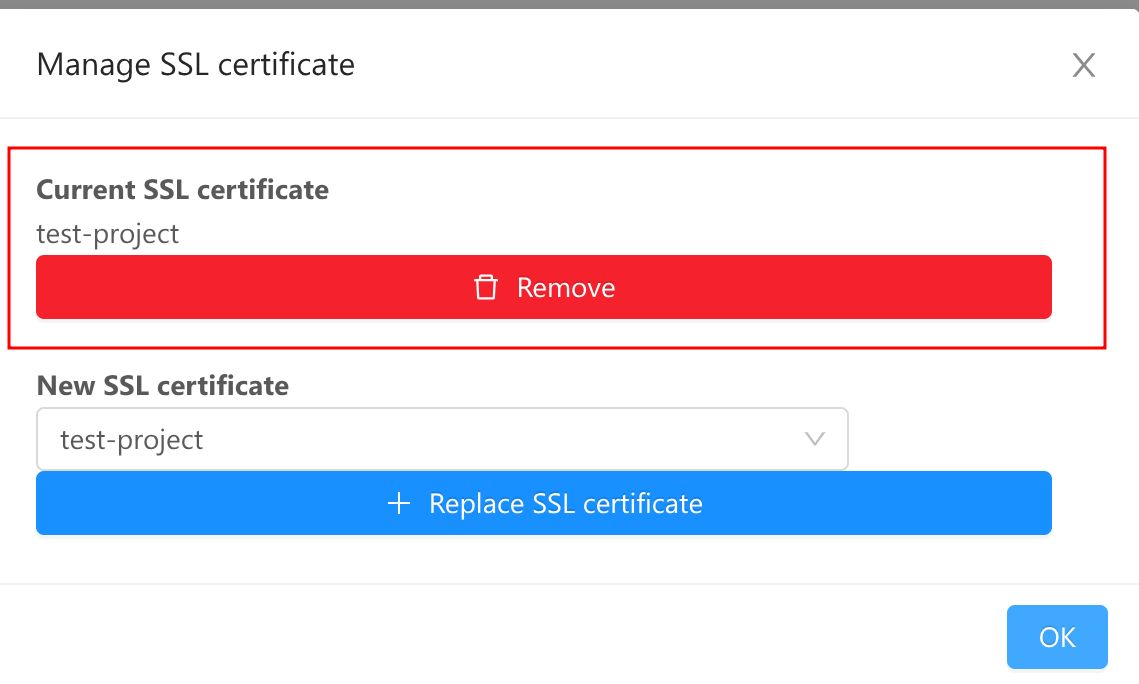
OR remove the current certificate
The SSL certificate and private key are saved in a pem file
root@r-22-VM:~# cat /etc/cloudstack/ssl/10_0_57_11-443.pem
-----BEGIN CERTIFICATE-----
// server certificate
-----END CERTIFICATE-----

-----BEGIN CERTIFICATE-----
// chain 1
-----END CERTIFICATE-----
-----BEGIN CERTIFICATE-----
// chain 2
-----END CERTIFICATE-----

-----BEGIN PRIVATE KEY-----
// private key
-----END PRIVATE KEY-----
HAproxy configuration for the load balancer
listen 10_0_57_11-443
	bind 10.0.57.11:443 ssl crt /etc/cloudstack/ssl/10_0_57_11-443.pem alpn h2,http/1.1 ssl-min-ver TLSv1.2 no-tls-tickets ciphers ECDHE-RSA-AES256-GCM-SHA384:ECDHE-RSA-AES128-GCM-SHA256:DHE-RSA-AES256-GCM-SHA384:DHE-RSA-AES128-GCM-SHA256:AES256-GCM-SHA384:AES128-GCM-SHA256 ciphersuites TLS_AES_256_GCM_SHA384:TLS_AES_128_GCM_SHA256:TLS_CHACHA20_POLY1305_SHA256
	http-request add-header X-Forwarded-Proto https
	mode http
	option httpclose
	balance roundrobin
	server 10_0_57_11-443_0 10.1.1.149:80 check ssl-min-ver TLSv1.2 no-tls-tickets ciphers ECDHE-RSA-AES256-GCM-SHA384:ECDHE-RSA-AES128-GCM-SHA256:DHE-RSA-AES256-GCM-SHA384:DHE-RSA-AES128-GCM-SHA256:AES256-GCM-SHA384:AES128-GCM-SHA256 ciphersuites TLS_AES_256_GCM_SHA384:TLS_AES_128_GCM_SHA256:TLS_CHACHA20_POLY1305_SHA256
This is automated by test/integration/smoke/test_ssl_offloading.py
- (Optional) Generate self-signed certificate
# 1. Create isolated network and vm instance
# 2. create LB with port 80 -> 80, verify the website (should get expected content)
# 3. create LB with port 443 -> 80, verify the website (should not work)
# 4. add cert to LB with port 443
# 5. verify the website (should get expected content)
# 6. remove cert from LB with port 443
# 7. delete SSL certificate
Mozilla SSL Configuration Generator: https://ssl-config.mozilla.org/#server=haproxy&version=2.6.12&config=intermediate&openssl=3.0.16&hsts=false&guideline=5.4