DUE TO SPAM, SIGN-UP IS DISABLED. Goto Selfserve wiki signup and request an account.
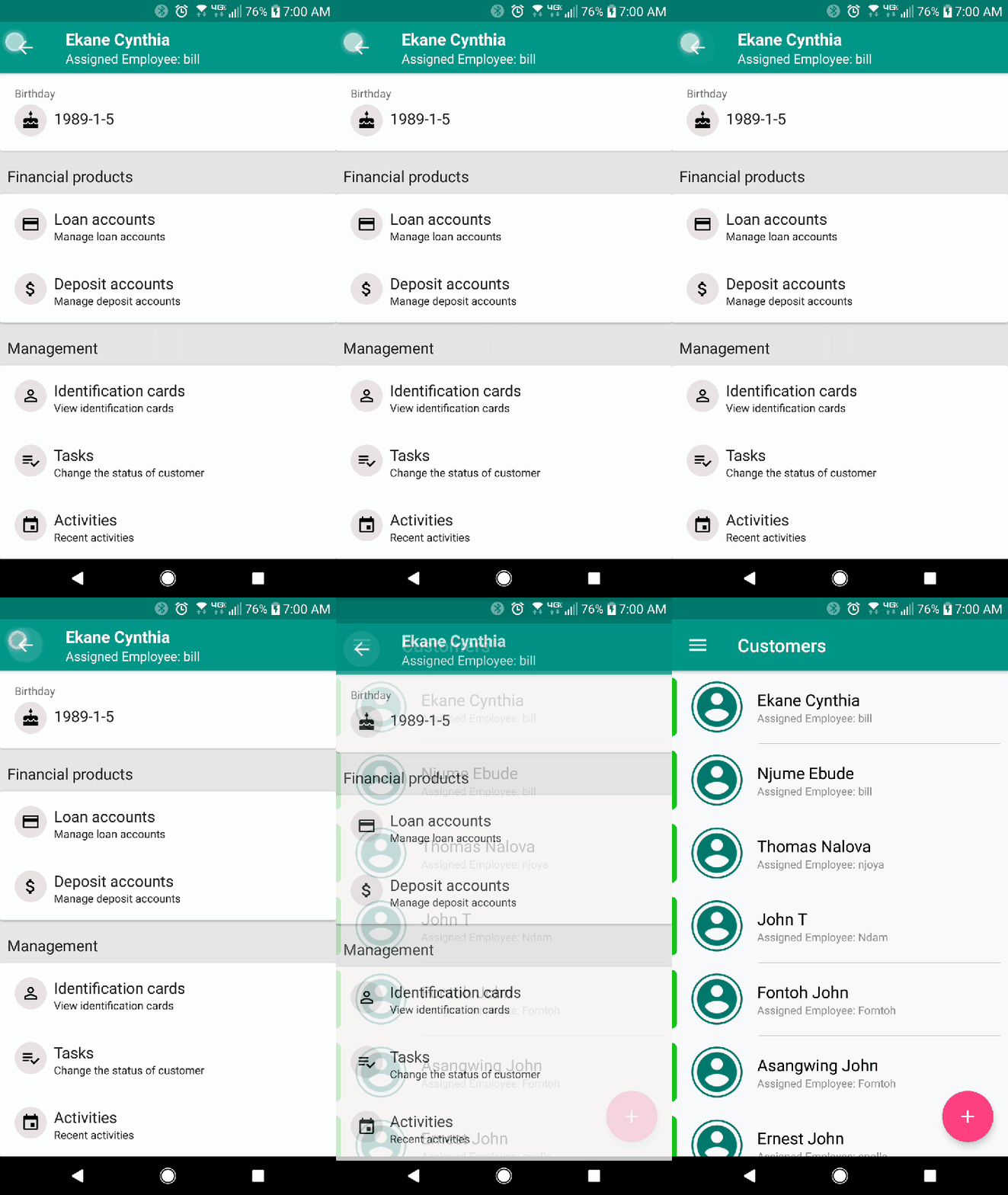
1. Once you have logged into the Fineract CN Mobile app, you will be greeted with the dashboard page. Here, click the navigation drawer button at the top-left, then select "Customer" (Figure 1). You can also click the "View Customer" button (Figure 2).
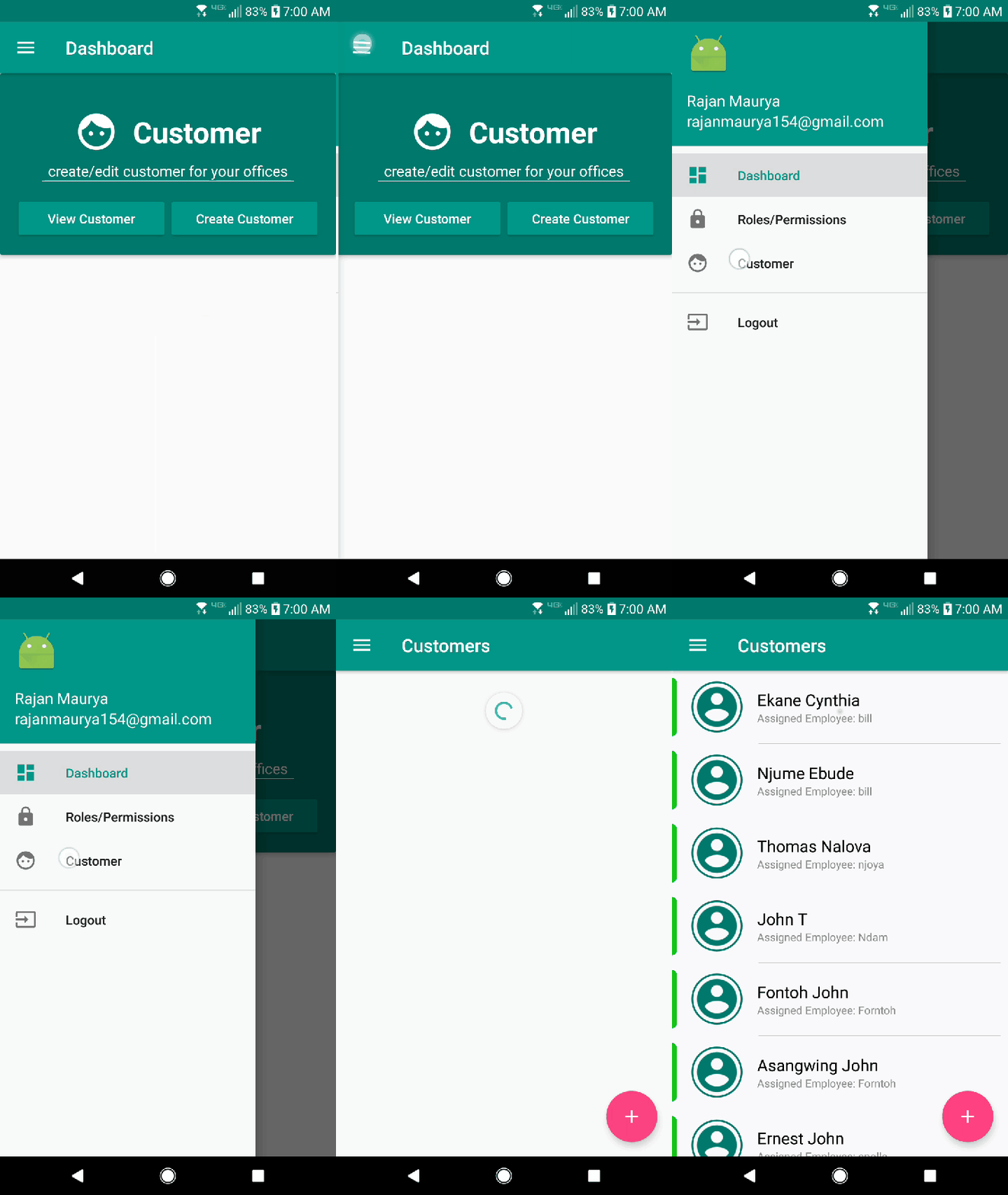

2. Here, you'll be presented with a list of customers. To view a customer's details, click on the customer.
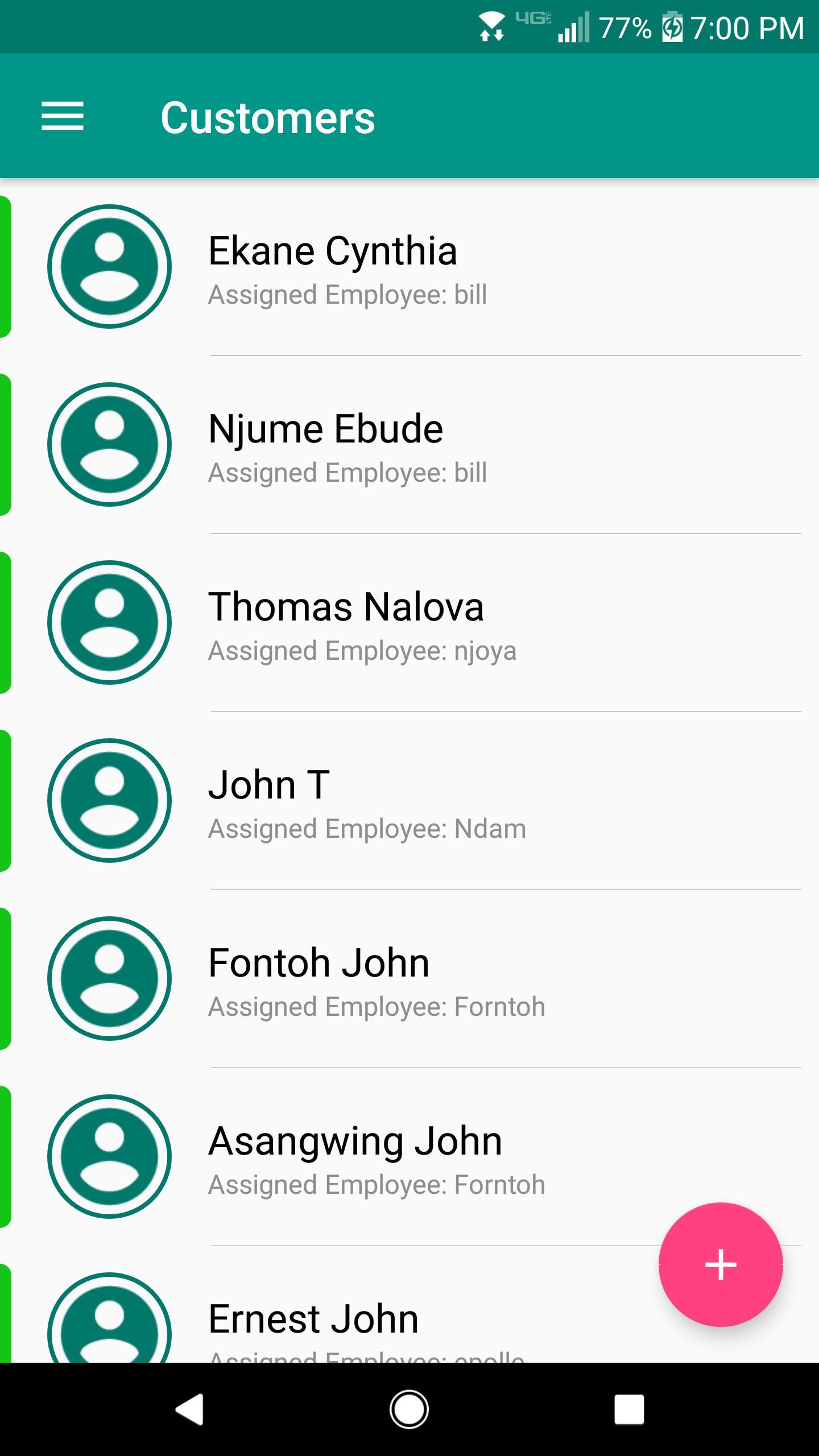
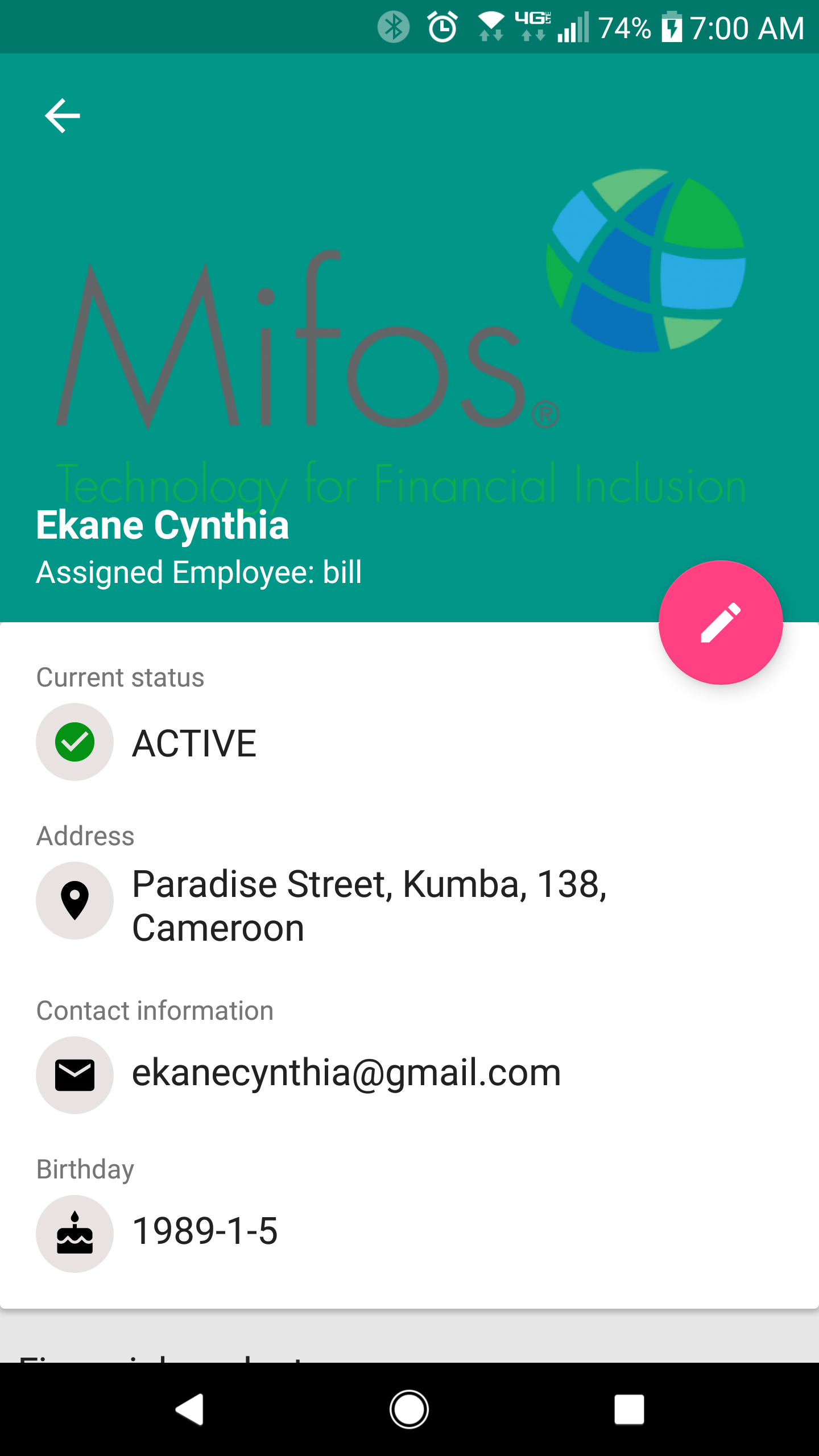
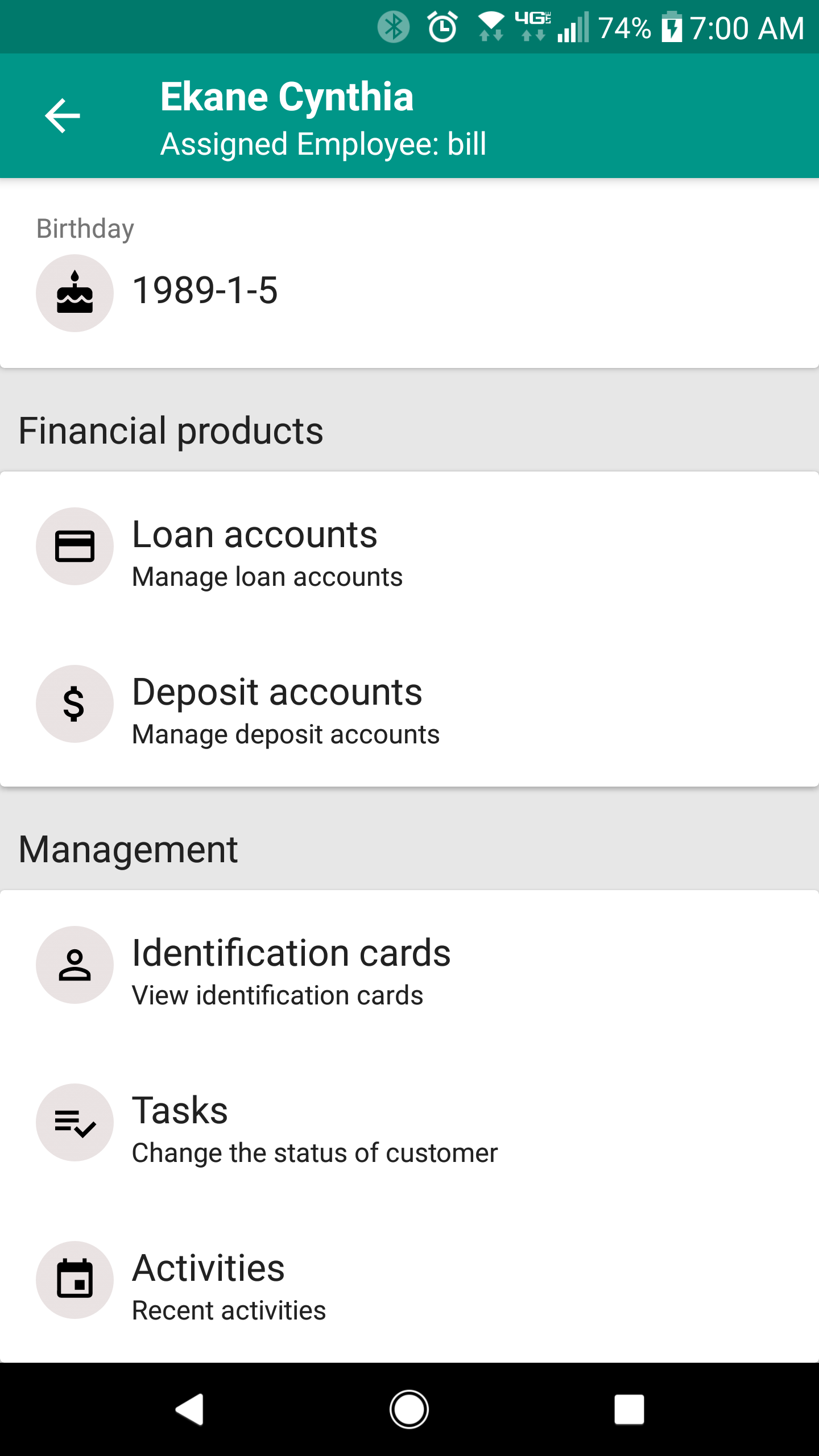
4. If you scroll down the page further, you will be presented with two sections: Financial products and Management. Under the Financial products section you can view loan accounts and deposit accounts. Under the Management section you can view Identification cards, tasks, and activities.
5. Click the back arrow button ( ) to return to the list of all customers.