DUE TO SPAM, SIGN-UP IS DISABLED. Goto Selfserve wiki signup and request an account.
1. You should be viewing the list of a customer's identification cards (directions available here: View List of Identification Cards)
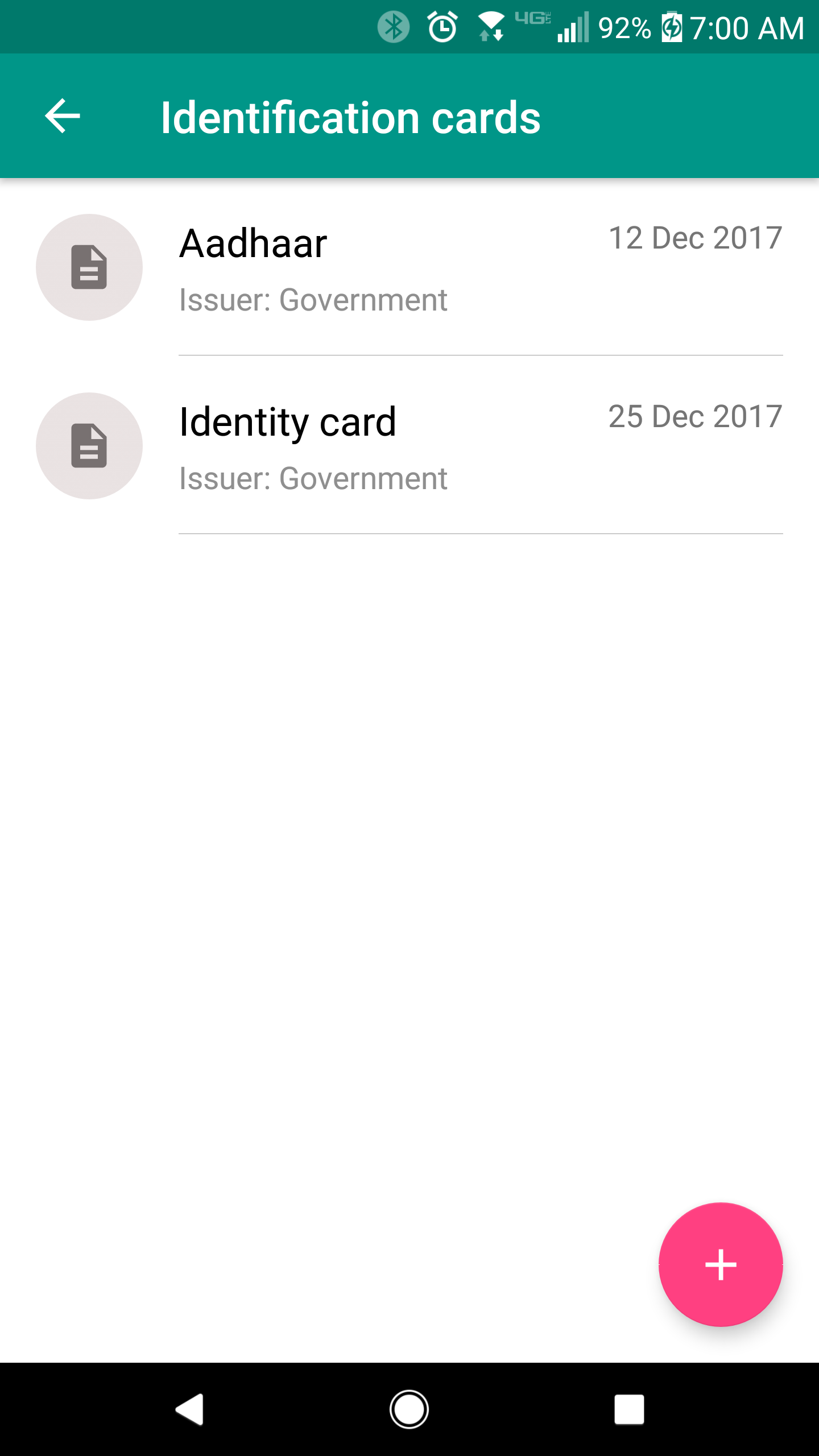
2. Click the identification card that you want to edit.
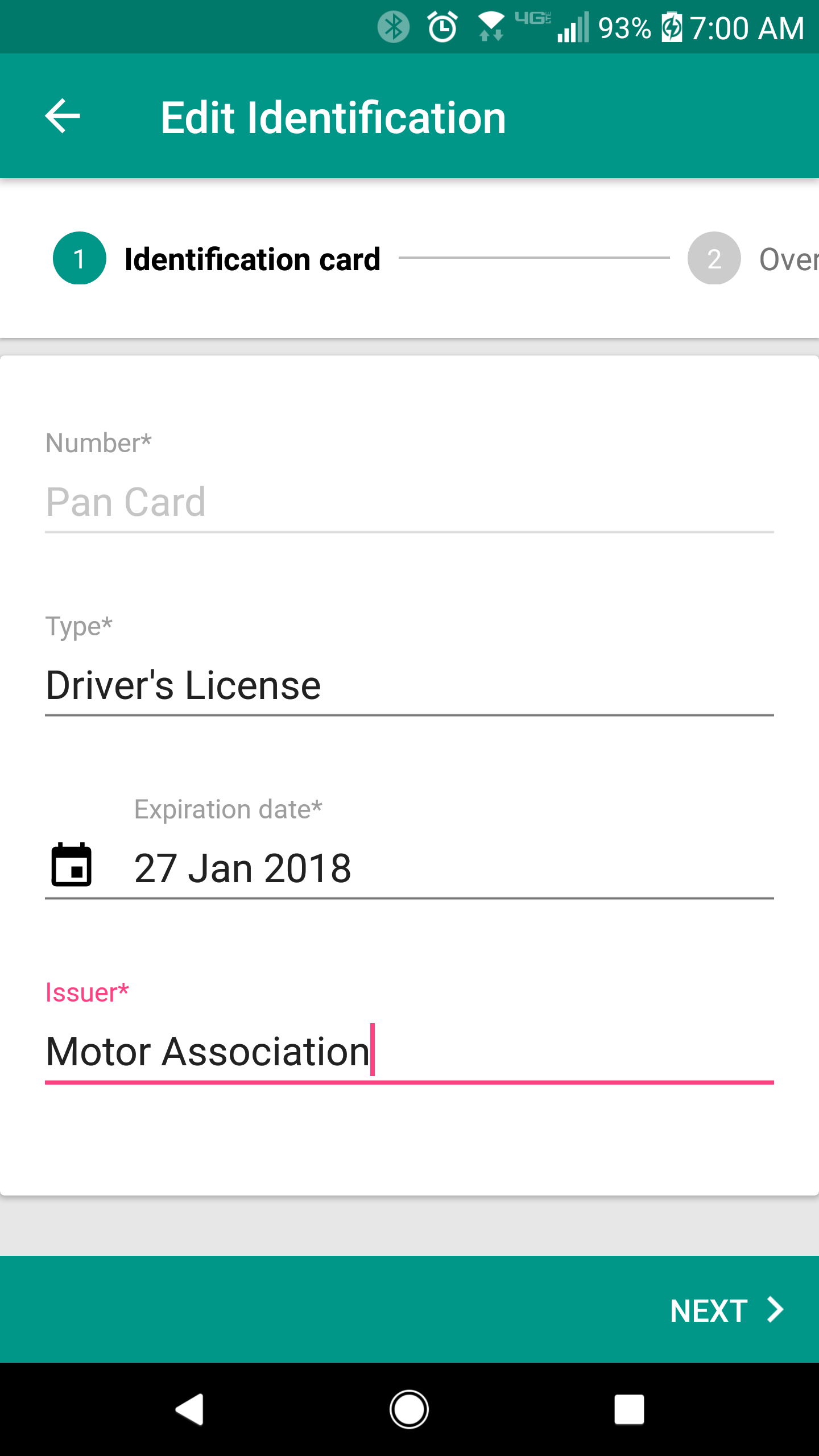
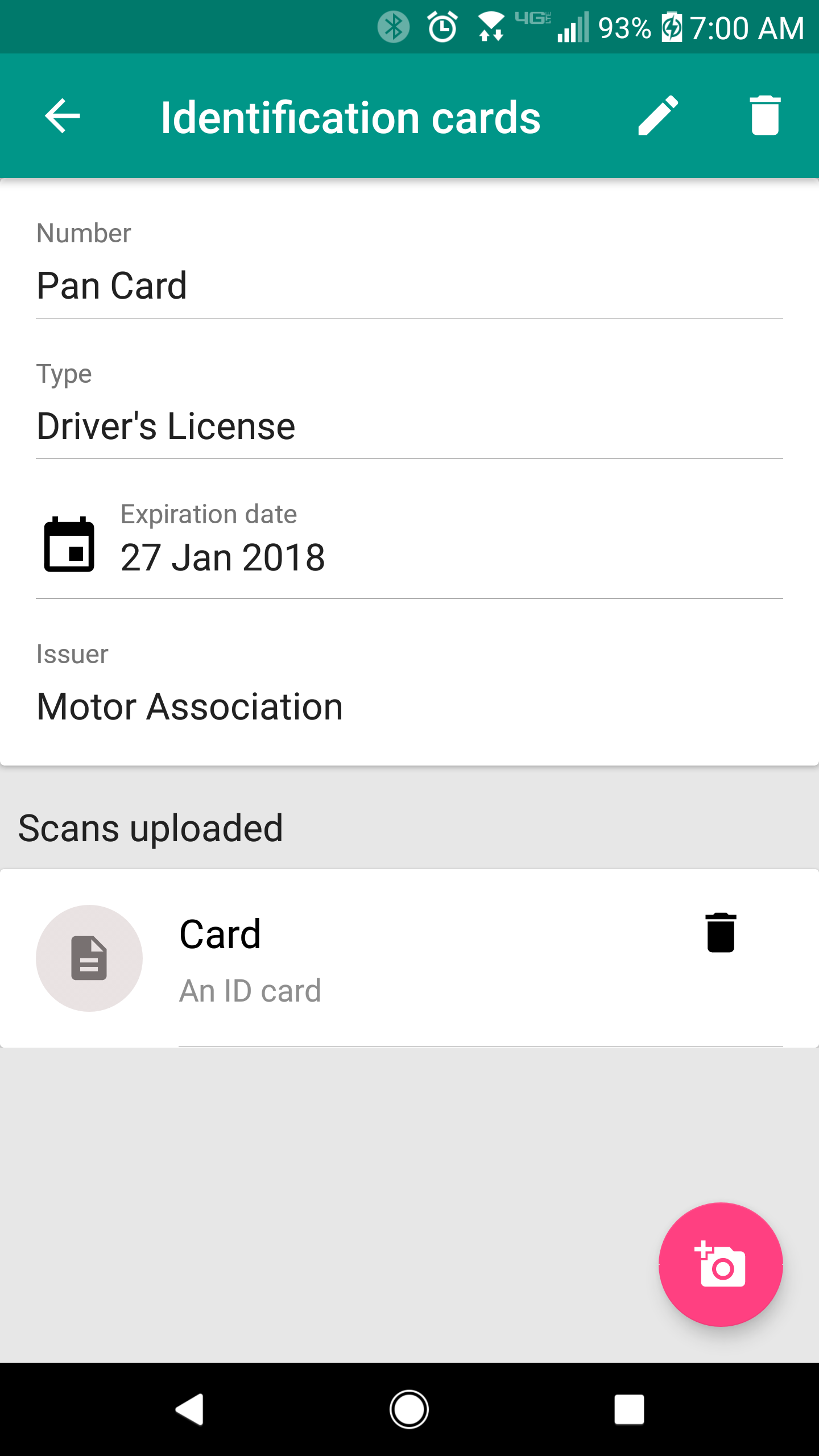
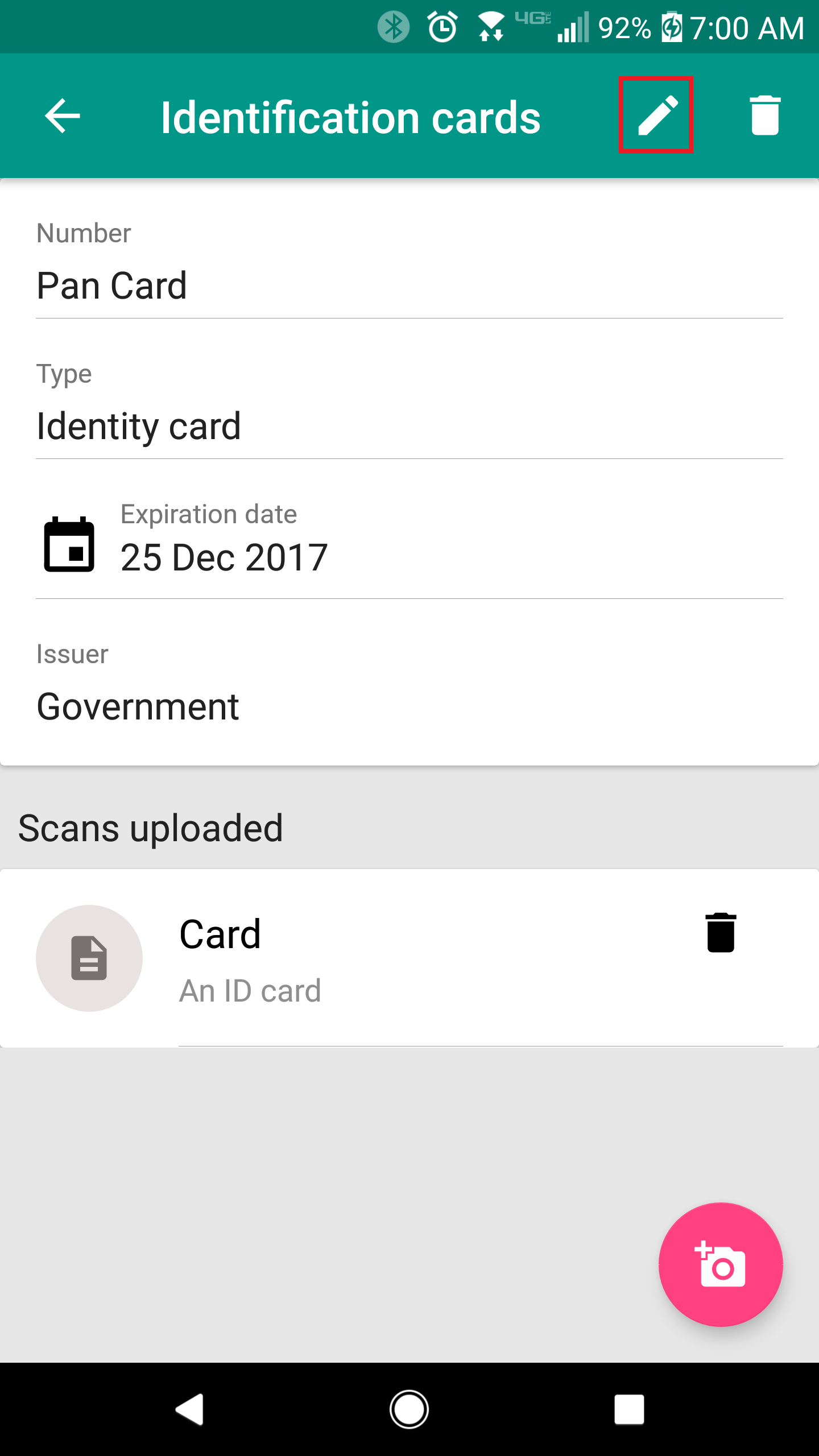
3. You should now see the details of the identification card. Here, click the edit button ( ) at the top-right of your screen.
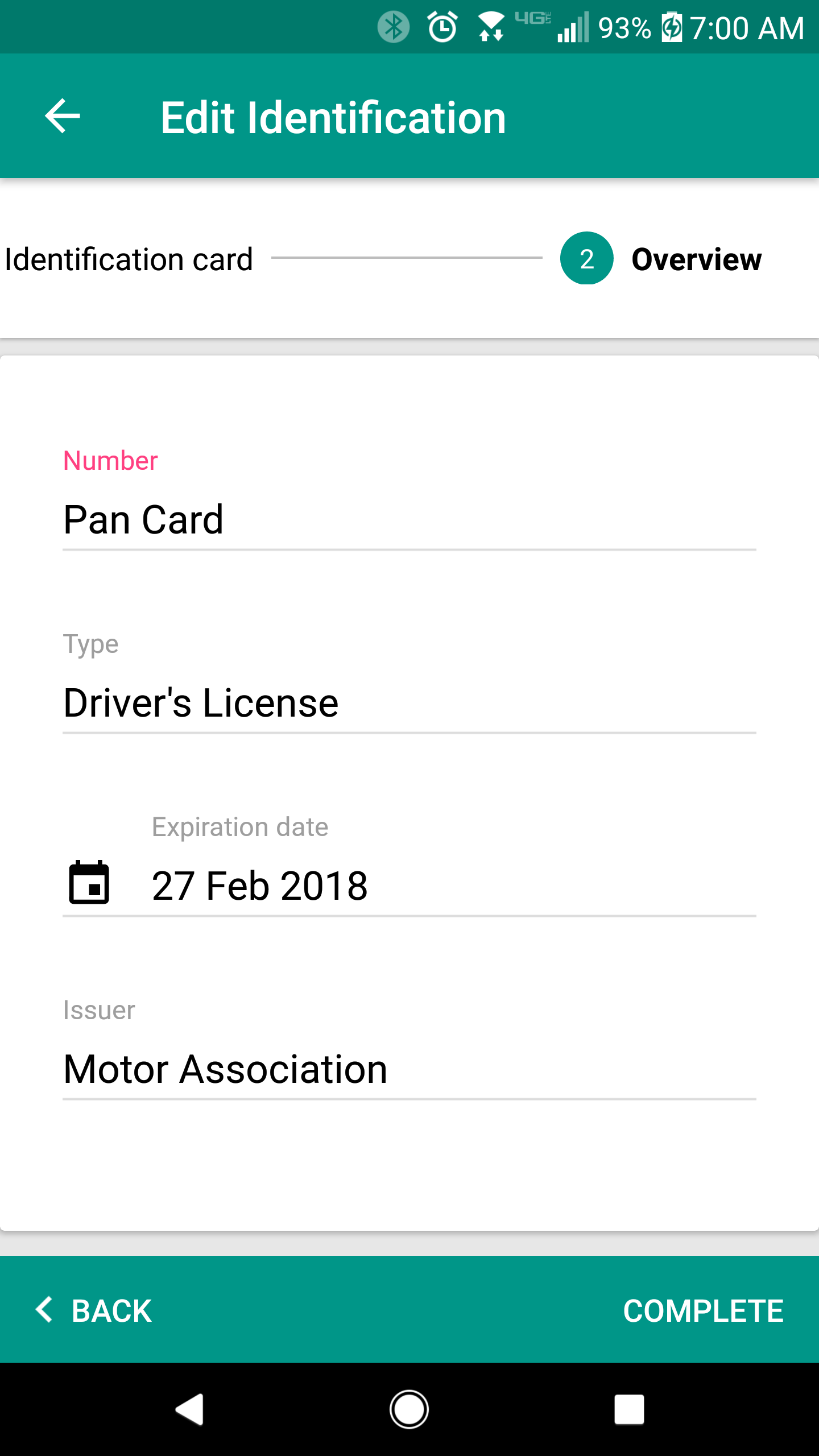
Once you are done, click the "Next" button at the bottom-right of the screen.